6 best checkout tools for digital products (2026)
Six checkout tools for digital products compared on order bumps, one-click upsells, payment plans, delivery and the real cost of the plan that includes them.
 Jacob PegsFounder of Swipefast
Summary of the Article
The right checkout software for digital products is the one that puts your must-have features on the plan you can afford, not on the one advertisers lead with. That matters because several tools keep order bumps, one-click upsells or payment plans on higher tiers.
- Swipefast: bumps, upsells, downsells, payment plans and reporting on the $29 Starter plan, with 0% of sales and AI-assisted setup.
- ThriveCart: Standard at $47 a month already has an order bump and one-click upsells; Pro+ at $87 adds more bumps per checkout, affiliates and subscription tools. 30-day free trial.
- SamCart: a polished hosted checkout, but order bumps, upsells and failed-payment recovery are on Pro ($199 a month).
- Stan Store: a tidy link-in-bio store at $29 a month; bumps, upsells, payment plans and funnels live on Creator Pro at $99 a month.
- Payhip: hosts courses and affiliates in one place, but has no one-click upsell after payment. Its plans run from a free plan with a 5% fee to Pro at $99 a month with 0%.
- Gumroad: no monthly fee, but 10% plus 50 cents per direct sale, so it gets expensive once volume grows.
What a digital-product checkout actually needs
When you sell an online digital product, a template, an ebook, a course, a download, nothing ships. The buyer pays and expects access right away. So the features that separate a good checkout from a bad one are narrower than most comparison posts suggest:
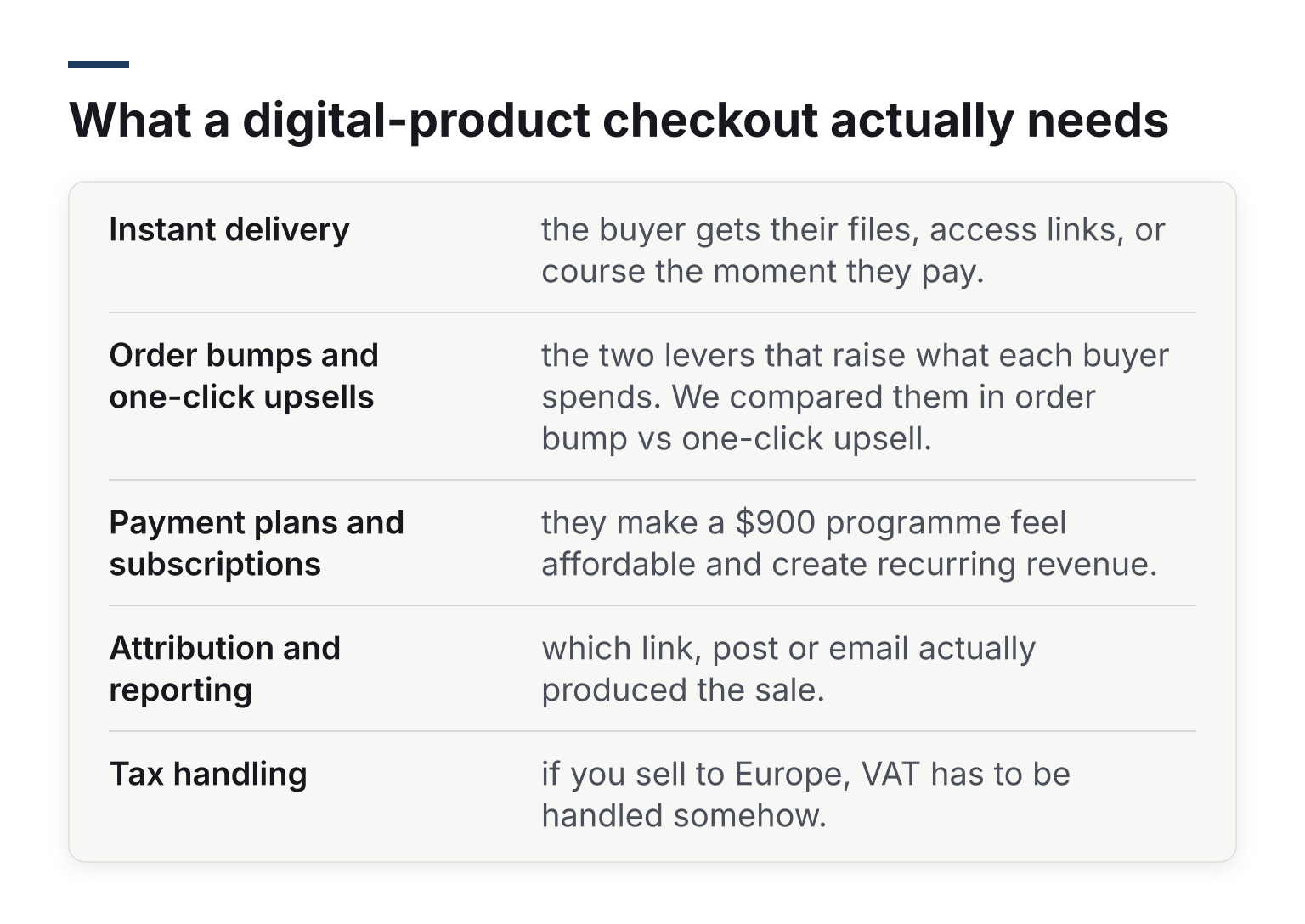
- Instant delivery: the buyer gets their files, access links, or course the moment they pay.
- Order bumps and one-click upsells: the two levers that raise what each buyer spends. We compared them in order bump vs one-click upsell.
- Payment plans and subscriptions: they make a $900 programme feel affordable and create recurring revenue.
- Attribution and reporting: which link, post or email actually produced the sale.
- Tax handling: if you sell to Europe, VAT has to be handled somehow.
The trap in this category is the advertised entry price. A $29 or free plan often leaves out exactly the features on the list above. So the comparison below asks one question per tool: what does the plan that includes your must-haves actually cost?
The six tools at a glance
Prices as listed on each tool's own site, checked October and November 2026, in US dollars.
| Tool | Best for | Lowest plan with bumps and upsells | Fee on sales |
|---|---|---|---|
| Swipefast | Digital-product sellers who want it set up fast | Starter, $29/mo | 0% |
| ThriveCart | Course sellers who want deep funnel features | Standard, $47/mo | 0% |
| SamCart | Polished hosted checkouts | Pro, $199/mo | 0% |
| Stan Store | Creators selling from a social bio | Creator Pro, $99/mo | 0% |
| Payhip | Hosting courses and affiliates in one place | No one-click upsell on any plan | 5% (Free), 2% (Plus, $29/mo), 0% (Pro, $99/mo) |
| Gumroad | Selling with no monthly commitment | Bumps and upsells are not the model | 10% + 50 cents |
Card processing (Stripe or PayPal) comes on top with every tool. Now the detail.
Swipefast: bumps, upsells and payment plans from $29
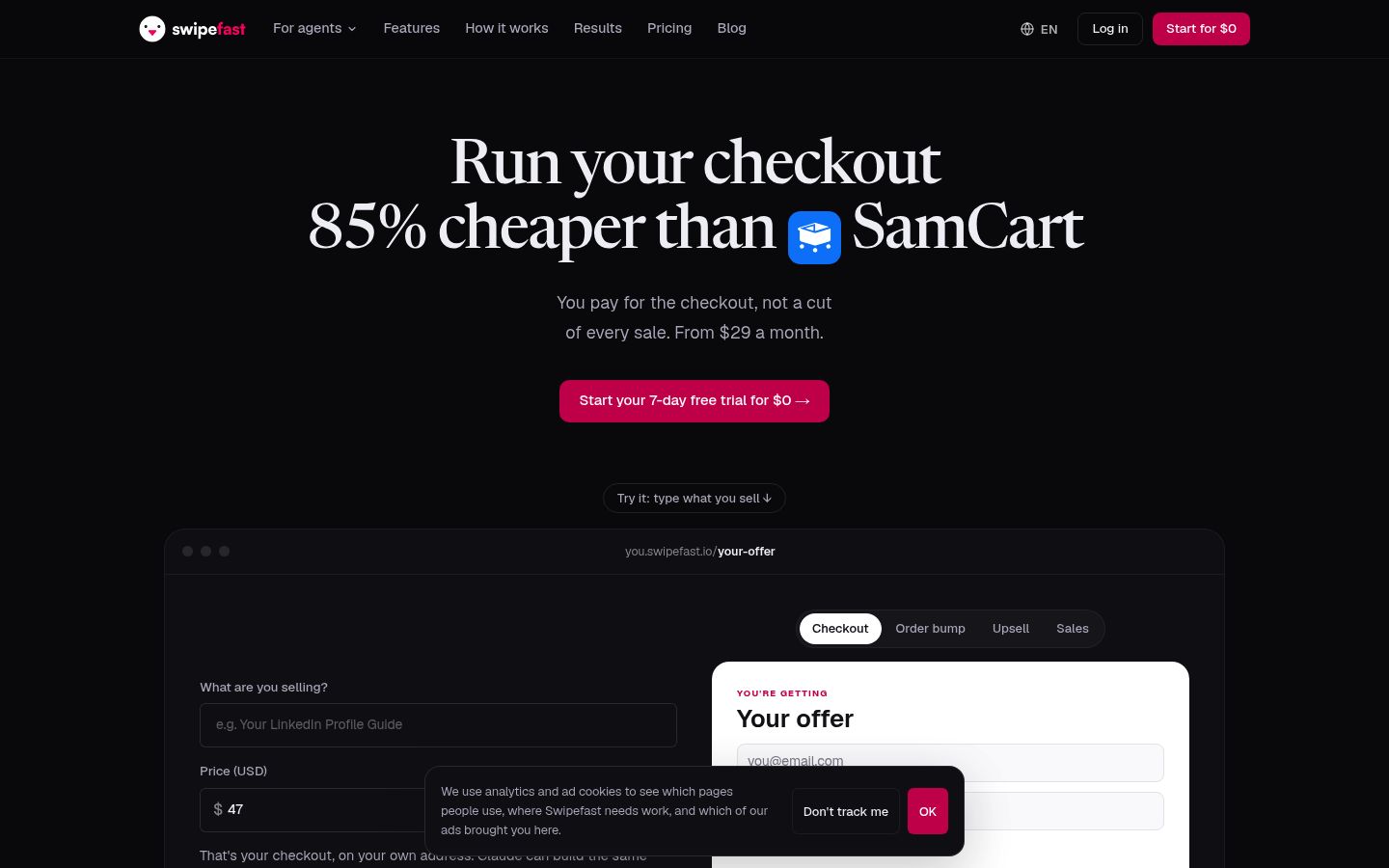
Swipefast is built for exactly this segment: coaches, creators and digital-product sellers. The Starter plan, $29 a month, includes branded checkouts, order bumps, one-click upsells, downsells, payment plans, subscriptions, and reports on sales, buyers and traffic sources. There is no higher tier to buy to unlock selling features.
Swipefast takes 0% of your sales: payments run through your own Stripe or PayPal account, so only the processor's standard fees apply (plus 0.2% on taxed orders if you switch on Stripe Tax). Setup is deliberately non-technical. You can build or manage a checkout with Claude or ChatGPT, and the site has step-by-step guides for creating your first product and checkout. Delivery is covered too, with access links and a course Hub that plays videos from YouTube, Vimeo or Loom.
Tradeoffs to know: there is no free plan, the 7-day free trial needs a card, and it is not an ecommerce store, so there is no inventory or shipping. If you sell physical goods alongside digital ones, look elsewhere.
ThriveCart: bumps and upsells on Standard, more on Pro+
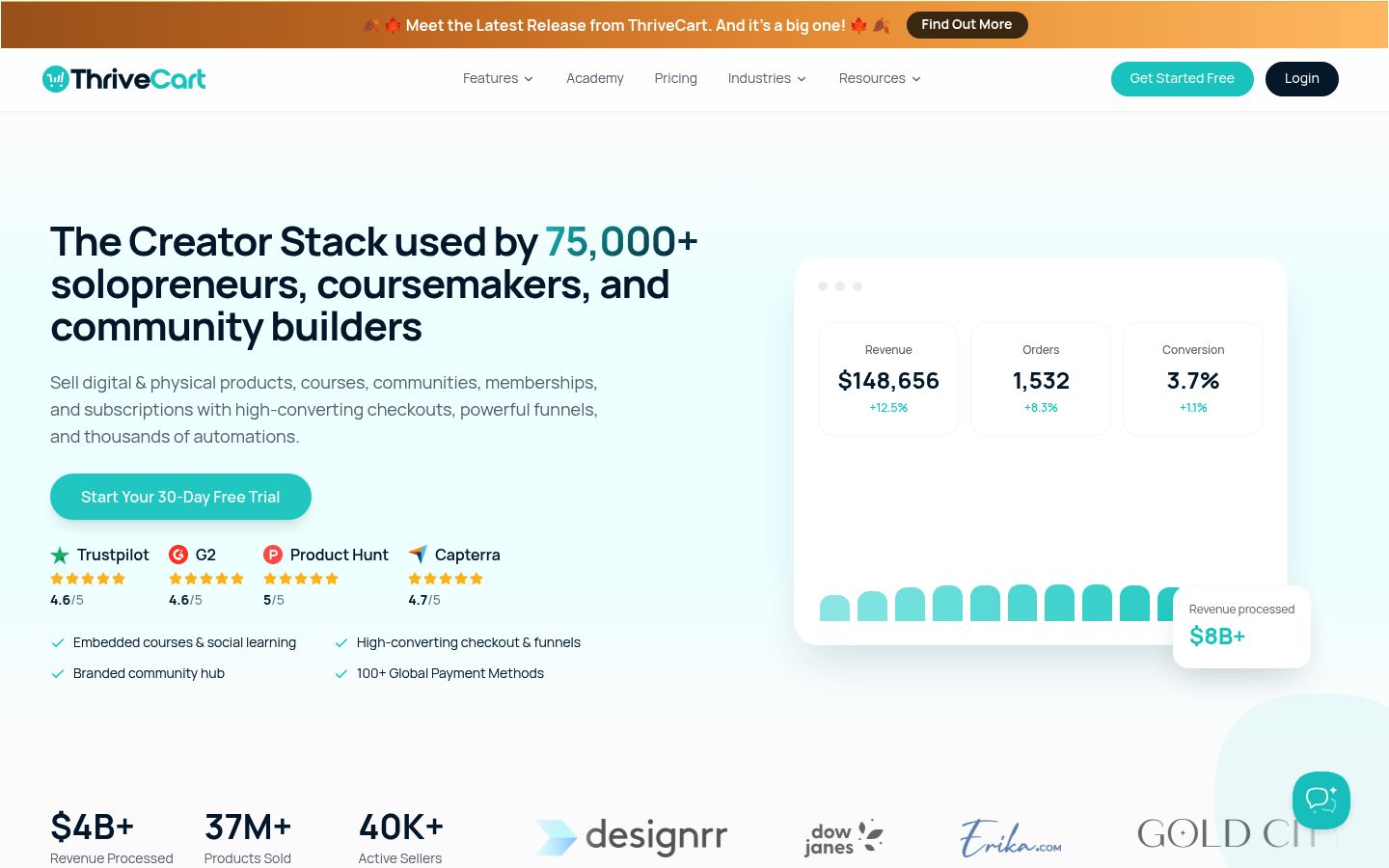
ThriveCart is the established name for course funnels. It sells monthly plans with a 30-day free trial: Standard at $47 a month ($37 billed yearly) and Pro+ at $87 a month ($67 billed yearly). Its offer page also still lists a $495 one-time licence for Standard, so check the price on the checkout before you pay.
Standard is already a complete checkout for a digital product: one order bump per checkout, one-click upsells and downsells, split payments and subscriptions, with 0% of your sales. Pro+ adds more than one bump per checkout, the affiliate centre and subscription tools such as dunning. Most sellers only need Pro+ for affiliates. For the full breakdown, read our ThriveCart alternatives comparison.
SamCart: a polished checkout with Pro-gated selling features
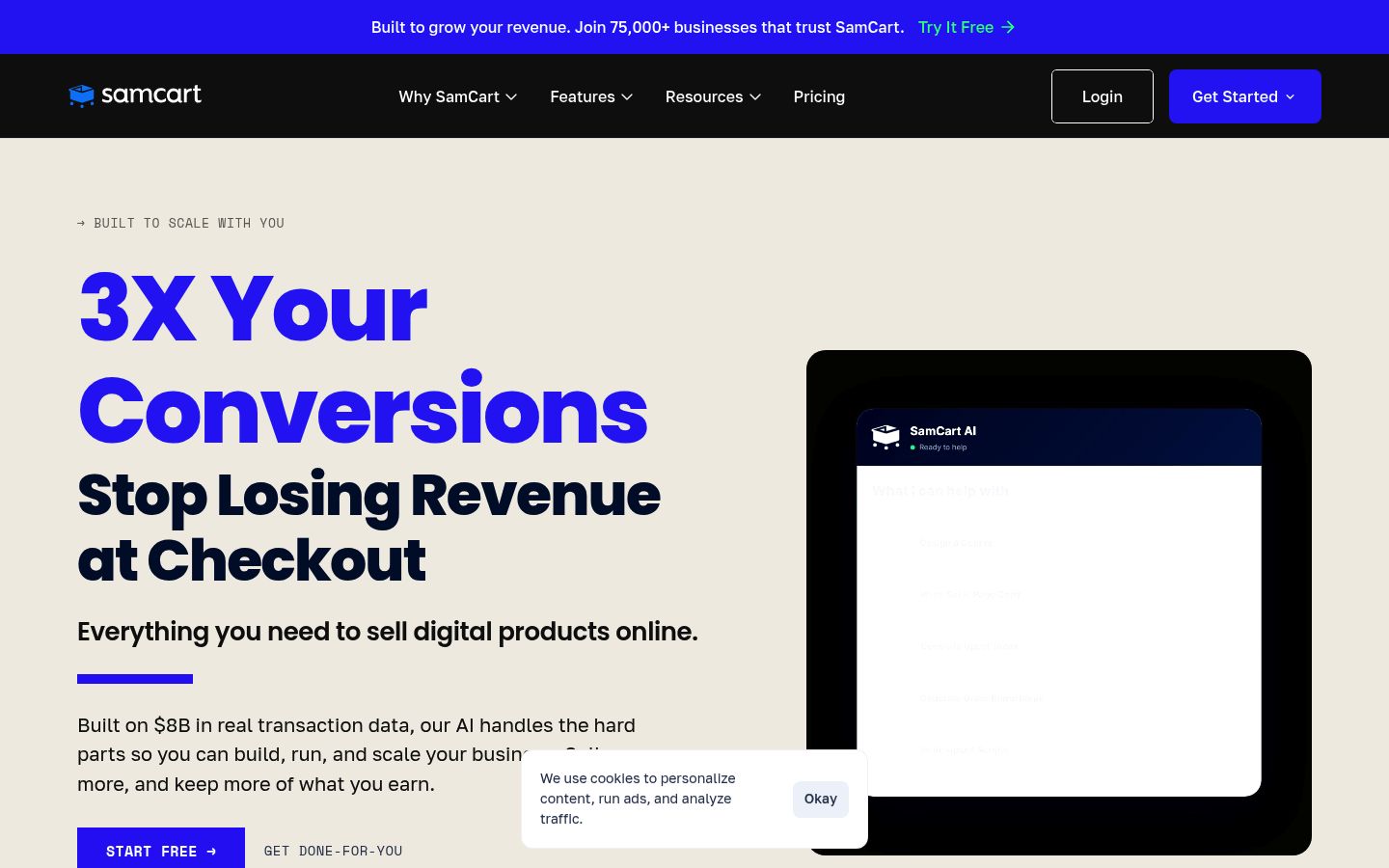
SamCart has been in this category for a long time, and its hosted checkout pages are well designed. But order bumps, one-click upsells, the affiliate centre and failed-payment recovery are all on SamCart's Pro plan, $199 a month. If growing order value is why you are shopping for checkout software, SamCart's entry plans do not include the tools that do it. Read our SamCart pricing breakdown before you shortlist it.
Stan Store: a link-in-bio store, with selling features on Creator Pro
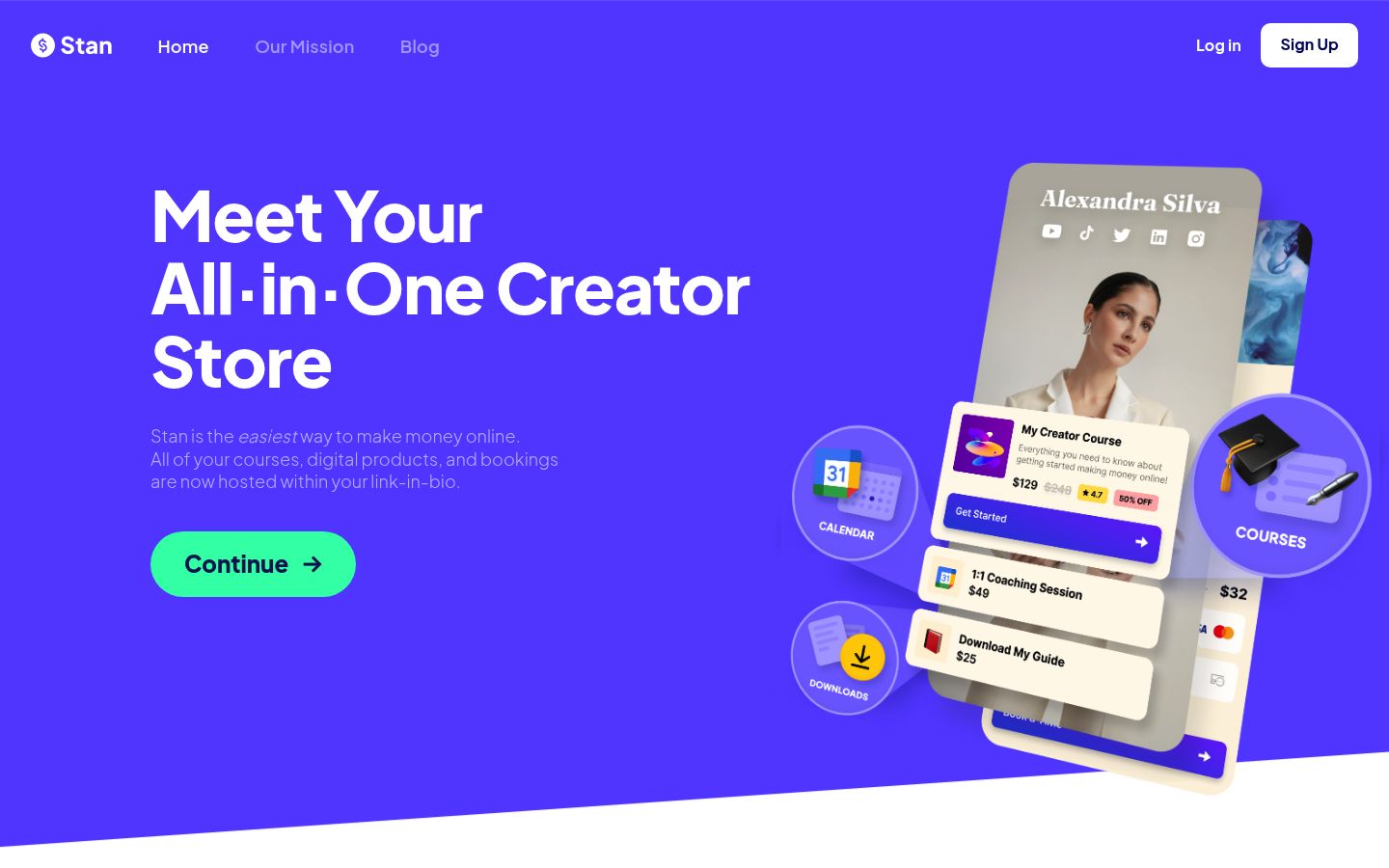
Stan Store is the tool many creators start with: your bio link becomes a small storefront. The Creator plan costs $29 a month or $300 a year. Order bumps, upsells, payment plans, discount codes, funnels, affiliates, email marketing and pixel tracking are on Creator Pro at $99 a month or $948 a year. If you have outgrown a bio link and want bumps, upsells and payment plans without paying $99, this is the gap Stan leaves open. More in our Stan Store pricing post.
Payhip: no one-click upsell after payment
Payhip does two things in one place that usually take two tools: it hosts your courses and it runs an affiliate program for you. That genuinely simplifies a course seller's stack.
The structural limit: Payhip has no one-click upsell after payment, on any plan. So if your plan for selling digital products leans on raising average order value after the first purchase, Payhip cannot do that step. Its pricing is a trade between a monthly fee and a cut of each sale: a free plan with a 5% fee, Plus at $29 a month with 2%, and Pro at $99 a month with 0%.
Gumroad: no monthly fee, but 10% of every sale
Gumroad takes no monthly fee. Its fee on a direct sale is 10% plus 50 cents, worked through in our Gumroad fee calculator and Gumroad alternatives comparison.
The maths flips quickly. At $5,000 a month in direct sales, Gumroad keeps roughly $550 in fees. A $29 flat plan with 0% fees wins from a few hundred dollars of monthly sales onward. Where Gumroad still makes sense: very low volume, or testing a product idea without committing to a monthly bill.
What it really costs at $5,000 a month
Say you sell 100 copies of a $50 template a month and want an order bump and an upsell. Here is the platform cost, plan fee and platform fee together, card processing excluded:
| Tool | Plan you need | Platform cost at $5k/mo |
|---|---|---|
| Swipefast | Starter | $29 |
| ThriveCart | Standard (monthly billing) | $47 |
| SamCart | Pro | $199 |
| Stan Store | Creator Pro | $99 |
| Payhip | Pro (cheaper than Plus at this volume: $29 + 2% is $129) | $99, but no one-click upsell |
| Gumroad | No plan needed | About $550 (10% plus 100 × 50 cents) |
Run your own numbers with the checkout fee calculator before you decide. The advertised price and the price of the plan with your features on it are rarely the same number.
How to choose
A short decision rule, by where you are:
- Selling from a bio link and outgrowing it: Swipefast or another checkout-first tool, rather than jumping to Stan Creator Pro at $99.
- Selling a high-priced course with a full funnel and affiliates: ThriveCart Pro+ if you want its depth and accept the $87.
- Just starting with no sales yet: look for a plan with no monthly commitment, and compare percentage fees against a flat plan at your expected volume.
- Volume above roughly $500 a month: flat monthly plans with 0% fees beat percentage-of-sale pricing.
- Want it set up by AI rather than a settings maze: that is Swipefast's whole approach.
Still choosing what to sell? Our guide to the best digital products to sell in 2026 covers the product types these tools handle best. Once you have picked a tool, work through the checkout page checklist for digital products before you go live.
If you sell digital products and want bumps, upsells, payment plans and reporting on your first paid plan rather than your third, start your 7-day free trial or see the checkout page for digital products to see how it works.
Questions people ask before choosing
Can I sell a $1,000 course with payment plans?
Yes on Swipefast (every plan), ThriveCart (split payments on Standard) and Stan Store (Creator Pro). Payhip and Gumroad handle recurring payments differently, so check their current setup before you commit.
How is EU VAT handled?
With Swipefast you can switch on Stripe Tax to charge sales tax and EU VAT on your checkout; Swipefast adds 0.2% on taxed orders when you do. With other tools, tax handling depends on the plan or the payment processor, so ask each one how it works today.
Can I tell which link made the sale?
Swipefast reports traffic sources, buyers and checkout performance, and has tagged checkout links. Stan Store's pixel tracking is on Creator Pro.
I am on SamCart or ThriveCart now. Is moving painful?
Usually not. Swipefast imports your SamCart or ThriveCart products, and your payments stay in your own Stripe or PayPal account either way.