Stan Store alternatives for coaches and creators
Stan Store alternatives for coaches and creators, and SamCart vs Stan Store: when a link-in-bio store is enough and which checkout to choose next.
 Jacob PegsFounder of Swipefast
Stan Store solves a real creator problem: you have attention on social media and need one place to sell from your bio. Its storefront can hold digital products, bookings, courses, memberships, and community access.
That is useful when the store is your website. It becomes a different decision once you have your own site, several offers, paid traffic, or a funnel that needs order bumps and post-purchase offers.
SamCart or Stan Store?
They started from different places. Stan Store is a storefront: one page in your bio where followers browse everything you sell. SamCart is built around checkout pages, and its Core plan also makes sales pages and link-in-bio pages. On SamCart's pricing page, checked 28 October 2026, Core is $79 a month and Pro is $199, with 25% off when paid yearly. Order bumps, one-click upsells and the affiliate centre are on Pro. Card payments through SamPay cost 2.9% + 30¢ on both plans, and tax collection adds 0.5% on Core or 0.35% on Pro. If buyers start on Instagram or TikTok and pick from a menu, Stan's shape fits. If they arrive already decided, a checkout fits, and the question becomes which one is worth its price. Our side-by-side pages show each tool's monthly cost, with the date we checked: swipefast.io/stan-store-alternative and swipefast.io/samcart-alternative.
What Stan Store costs in 2026
Stan's own pricing page (updated 22 July 2026, checked 28 October 2026) lists Creator at $29 a month or $300 a year, and Creator Pro at $99 a month or $948 a year, with a 14-day free trial. Creator covers the storefront, bookings, courses, subscriptions, email collection and a community. Creator Pro adds discount codes, limited-quantity offers, upsells and order bumps, payment plans, Afterpay and Klarna, affiliate management, email broadcasts and flows, and pixel tracking. Stan says it takes 0% transaction fees. Stripe or PayPal still charges its normal processing fee.
Four routes you can take instead
| Option | Good for | Watch for |
|---|---|---|
| Swipefast | Creators with a site and delivery tools they want to keep | Course videos play from YouTube, Vimeo or Loom, not stored in Swipefast |
| ThriveCart | Established funnels that need a broad sales toolkit | More settings and plan choices to manage |
| SamCart | Businesses that want checkout and courses together | Key conversion tools start on the Pro tier |
| Spiffy | Teams needing deeper checkout and billing controls | Higher starting price and active-checkout limits |
Swipefast: for the creator who already has a home
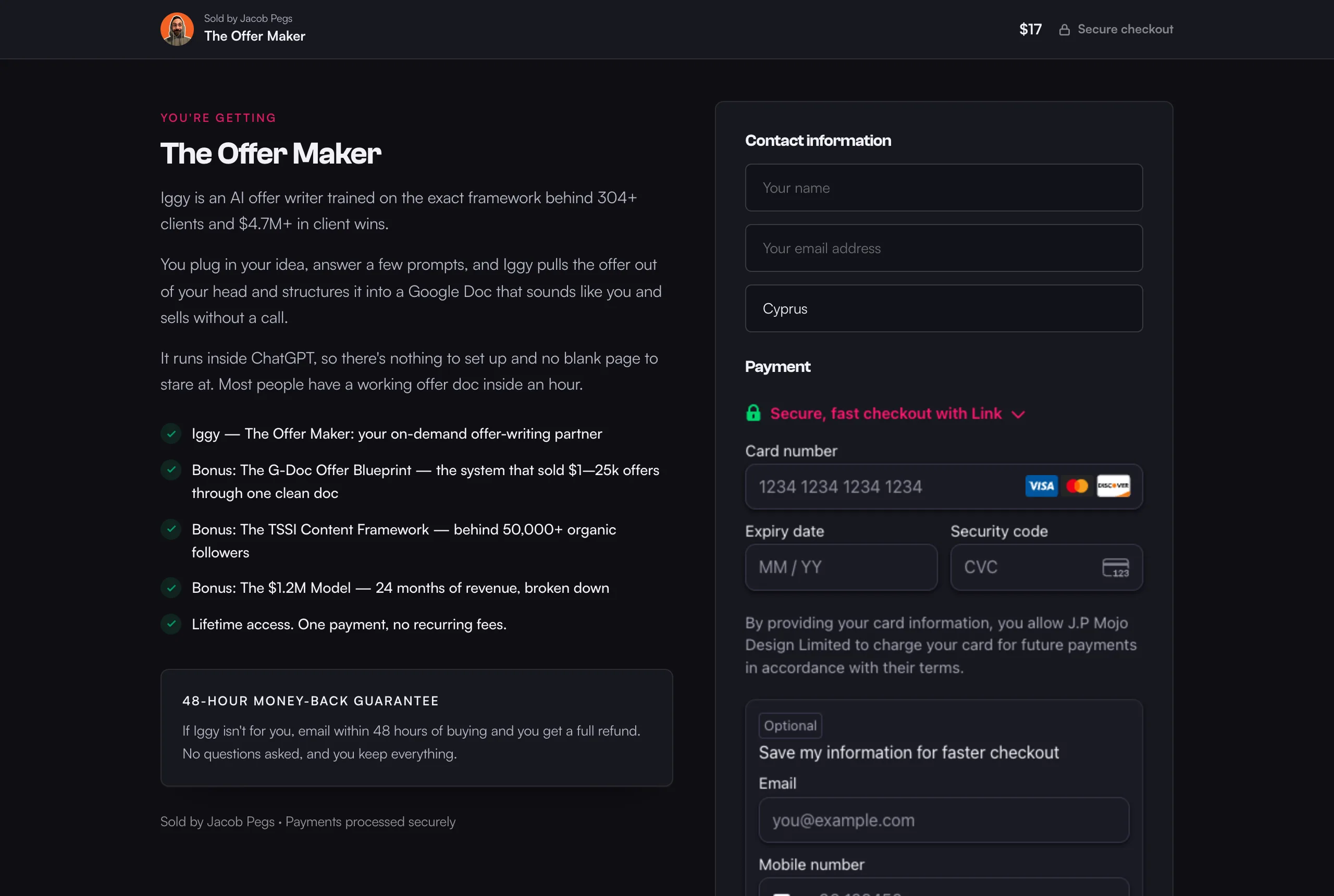
Swipefast does not try to replace your site. It gives each product a focused checkout, with an optional order bump, post-purchase offer, delivery link, partner tracking (affiliates are on Pro), and sale follow-up. Its link-in-bio page, on every plan, lists those checkouts so followers can tap straight through to one.
That is a better fit when your audience reaches you through a newsletter, podcast, community, search, or a proper landing page. You send ready buyers straight to the offer instead of asking them to browse a storefront first.
ThriveCart or SamCart: for a wider sales stack
ThriveCart and SamCart have been around longer and cover more ground. They make sense when you want the checkout account to handle course delivery, deeper testing, tax work, or a large collection of integrations.
The trade is attention. More capability creates more setup and more places to look when something goes wrong. That cost is fine when the extra tools earn their keep.
Spiffy: for a checkout-led operation
Spiffy is closer to a sales operations tool. On its pricing page, checked 28 October 2026, Pro is $99 a month, or $74 a month billed yearly ($888 a year), with 20 active checkouts. Business is $299 a month ($224 billed yearly) with 50, and Scale is $499 ($374 billed yearly) with no limit. Every plan includes subscriptions, payment plans, embedded checkouts, affiliates, a custom domain and integrations, and Spiffy adds no transaction fee of its own. There's no free trial: new customers get a 30-day money-back guarantee instead. It suits a business that has moved beyond a simple creator storefront and wants more control around billing.
What Swipefast answers before you buy
- Fees: Swipefast takes 0% of your sales, except 0.2% on orders where you switch on Stripe Tax and Stripe is connected through Swipefast. Your payment provider charges its own processing fee.
- Payments: buyers pay into your own Stripe, PayPal or Lemon Squeezy account. Swipefast never holds the money.
- Price: Starter is $29 a month and Pro is $49, each with a 7-day free trial (a card is needed; cancel before day 7 and you pay nothing). Order bumps and one-click upsells are on both plans.
- Delivery: after paying, buyers go straight to the link you set: a download, your own course platform, or a course in your Swipefast Hub.
- Cancelling: subscribers cancel from a link in their receipts and reminders, and keep access until the time they paid for runs out. PayPal and Lemon Squeezy subscriptions are managed there instead.
- Leaving: orders and customers export as a spreadsheet at any time.
- AI: Claude or ChatGPT can build your checkout through the Swipefast connector. On a live checkout, changes that touch money wait for your approval.
What it doesn't do: there's no themed store. Its link-in-bio page lists your products, and each one opens its own checkout. Lesson videos play from YouTube, Vimeo or Loom rather than being stored in Swipefast. If you want your bio link to be a full shop where buyers browse, Stan does that job better. Coaches can see the setup for calls and programmes at swipefast.io/checkout-for-coaches, and work out Stan's fees on their own numbers at swipefast.io/tools/stan-store-fee-calculator.
A quick way to decide
- Stay with Stan if most sales begin from your social bio and the storefront is doing its job.
- Pick a focused checkout if you already have landing pages and want a cleaner path from interest to payment.
- Pick a wider commerce platform if you need courses, testing, tax tools, or complex billing in one account.
- Map the full cost, including the plan tier where order bumps, affiliates, pixels, and API access become available.
Moving tools will not repair a vague offer or weak traffic. It can remove a clumsy buying step. That is enough reason to move when the buying step is the part getting in your way.
Questions people ask before choosing
What is the best Stan Store alternative?
It depends on where buyers come from. Swipefast fits creators with their own site and delivery setup. ThriveCart and SamCart cover broader sales systems. Spiffy suits teams that need more checkout and billing control.
Does Stan Store charge transaction fees?
Stan says it charges 0% transaction fees. Stripe or PayPal still applies its normal processing fee.
Do I need a storefront to sell digital products?
No. A landing page linked to a focused checkout can work well when you sell one offer at a time. A storefront is more useful when buyers need to browse several products.
Can I keep my existing course platform?
Yes. A checkout such as Swipefast can send successful buyers to the access page or course platform you already use.
Is SamCart or Stan Store better for coaches?
Stan Store suits coaches who sell from a social bio and want calls, products and courses on one page to browse. A checkout such as SamCart or Swipefast suits coaches who send buyers from a sales page or email to one offer. Compare the monthly cost on the plan that has the tools you need, such as order bumps and affiliates.