What is a digital product? A 2026 beginner's guide
A plain-English guide to what a digital product is, the main types with typical price ranges, and how selling one works from checkout to delivery.
 Jacob PegsFounder of Swipefast
Summary of the Article
A digital product is a product buyers receive as a file, a stream, or access to something online, not as a physical item. You can create it once and sell it many times, which is why so many coaches, creators, and consultants build their business around them.
- What counts: courses, ebooks, templates and printables, downloadable assets, memberships, software, and digital services.
- What usually does not count as a digital product itself: a booked call, a physical workbook, or a live 1:1 service, though these often sell alongside digital products.
- Selling works in the same basic order every time: create, validate, price, sell through a checkout, deliver automatically, then follow up.
- The tradeoffs are real too: piracy, thin perceived value if you underprice, and one-off sales unless you add subscriptions or repeat offers.
What is a digital product?
A digital product is anything you sell that exists in a digital format. The buyer pays you online and receives a file, a link, or access to a platform instead of a physical item in a box.
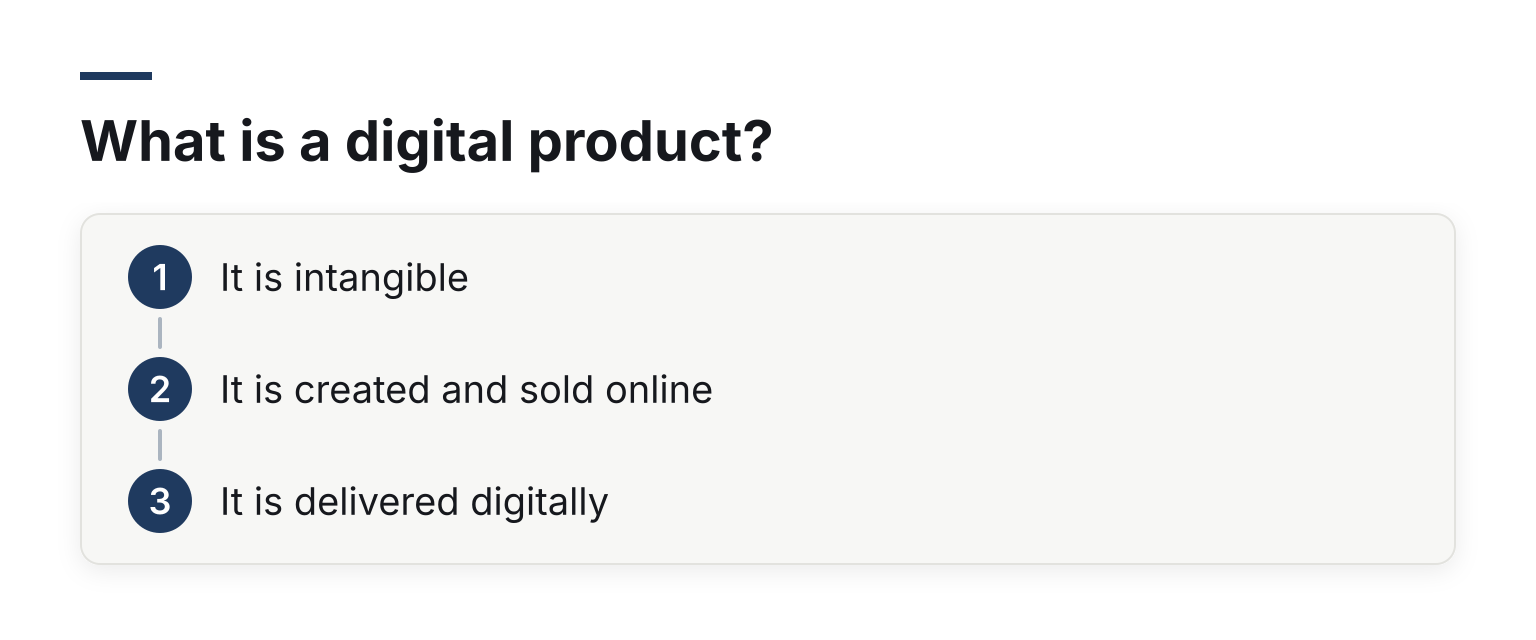
Three things make a product digital:
- It is intangible. There is no physical object to manufacture, store, or ship.
- It is created and sold online. You make it on a computer and sell it through a website, marketplace, or checkout link.
- It is delivered digitally. The buyer gets a download, an email with access, or a login, usually seconds after paying.
You will also see the term digital goods, especially in tax and legal contexts. Tax authorities and payment processors often treat digital goods as a distinct category because many countries require sales tax or VAT on them. Shopify's own guide to digital products uses the terms interchangeably, and so do most sellers. Thinkific's explainer lands on the same working definition: an intangible item created, sold, and delivered online, spanning courses, ebooks, licensed assets, and apps.
The practical upside of this format is simple: you make something once, and it can sell indefinitely without restocking. The cost of the tenth copy is close to zero. The cost of the ten-thousandth copy is also close to zero.
What counts, and what sits in a gray area
Most of the time the line is clear. A PDF workout plan is a digital product. A printed planner mailed to a customer is not.
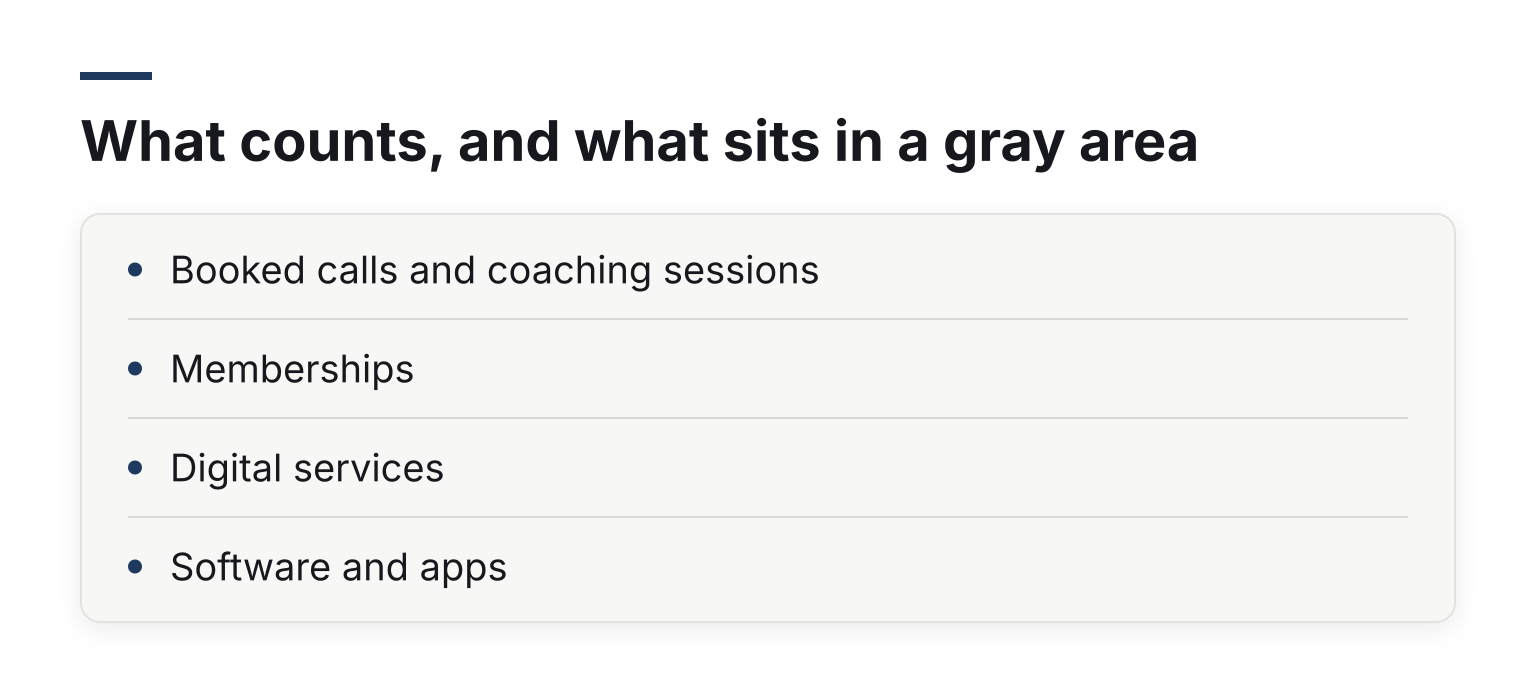
Some cases are genuinely ambiguous:
- Booked calls and coaching sessions. A paid call is a service, not a product, even when the buyer pays and books online. But many sellers package a call with a digital product, such as a recording or workbook, so the purchase becomes partly digital.
- Memberships. A membership is access, not an object. Most sellers treat a content membership as a digital product and a community-only membership as something closer to a subscription service.
- Digital services. A done-for-you design project is a service. The design files you sell as a template pack afterward are a digital product.
- Software and apps. SaaS subscriptions and apps are usually counted as digital products or digital goods, though they are often discussed as their own category because they need ongoing support and updates.
You do not need to resolve these edge cases to start selling. What matters is that you know what the buyer actually receives, because that determines how you deliver it and how you handle tax and refunds.
The main types of digital products
These are the types you will see most often, with real-world examples and the price ranges you commonly see on public sales pages. Treat every range as a rough observation, not a rule. Prices vary a lot by niche, audience, and how much transformation the product promises, and public idea lists such as Bluehost's 16 digital product ideas show ranges that overlap and stretch in every direction.
Online courses
Video or text lessons that teach a skill, delivered through a course platform or as files. Examples include fitness programs, language courses, and professional training. Typical public prices run from about $50 for a short mini-course to $2,000 or more for a flagship program with coaching attached.
Ebooks and guides
A book or structured guide sold as a PDF or EPUB. Think cookbooks, niche how-to guides, and industry playbooks. Common prices: free as a lead magnet, or $5 to $50 as a paid product.
Templates and printables
Files the customer uses or prints: resume templates, Notion and Canva templates, spreadsheets, wall art, and planners. This is the easiest type to start with because you can build one in an afternoon. Common prices: $5 to $50, with bundles going higher.
Digital downloads and licensed assets
Files buyers use in their own work: stock photos, video footage, music, fonts, presets, and icons. These are usually sold per download or under a license. Common prices: a few dollars per asset up to hundreds for extended commercial licenses.
Memberships and subscriptions
Recurring access to content, a community, or ongoing help. Common prices: $10 to $100 per month, depending on how much direct access to you is included.
Software, apps, and SaaS
Tools buyers use, from mobile apps to web software. Pricing varies enormously, from freemium apps to enterprise contracts, so there is no useful single range here.
Digital services with a product wrapper
Some sellers turn a service into a productized offer: a fixed-scope audit, a recorded strategy session, or a done-with-you workshop with templates included. These blur into the gray areas above but sell through the same checkout and delivery flow.
Why sellers like this model, and the honest tradeoffs
The appeal is straightforward:
- No inventory. Nothing to manufacture, store, or ship.
- Instant delivery. Buyers get access in seconds, which also suits impulse purchases.
- High margins. After you create the product, each extra sale costs almost nothing to fulfill.
- Scalability. The same product can serve ten buyers or ten thousand.
The tradeoffs deserve equal attention:
- Piracy. Digital files are easy to copy. You can add friction like watermarking or license keys, but you cannot fully prevent sharing.
- Perceived value. Because buyers cannot hold a digital product, they judge it by your page, your proof, and your price. Priced too low, it reads as low value.
- One-off revenue. A $29 template sale is nice, but it does not repeat. That is why many sellers add subscriptions, payment plans, or a next product to buy.
- Competition. Low startup costs mean low barriers for everyone, including your competitors.
How selling a digital product works, end to end
The path from idea to first sale looks like this:
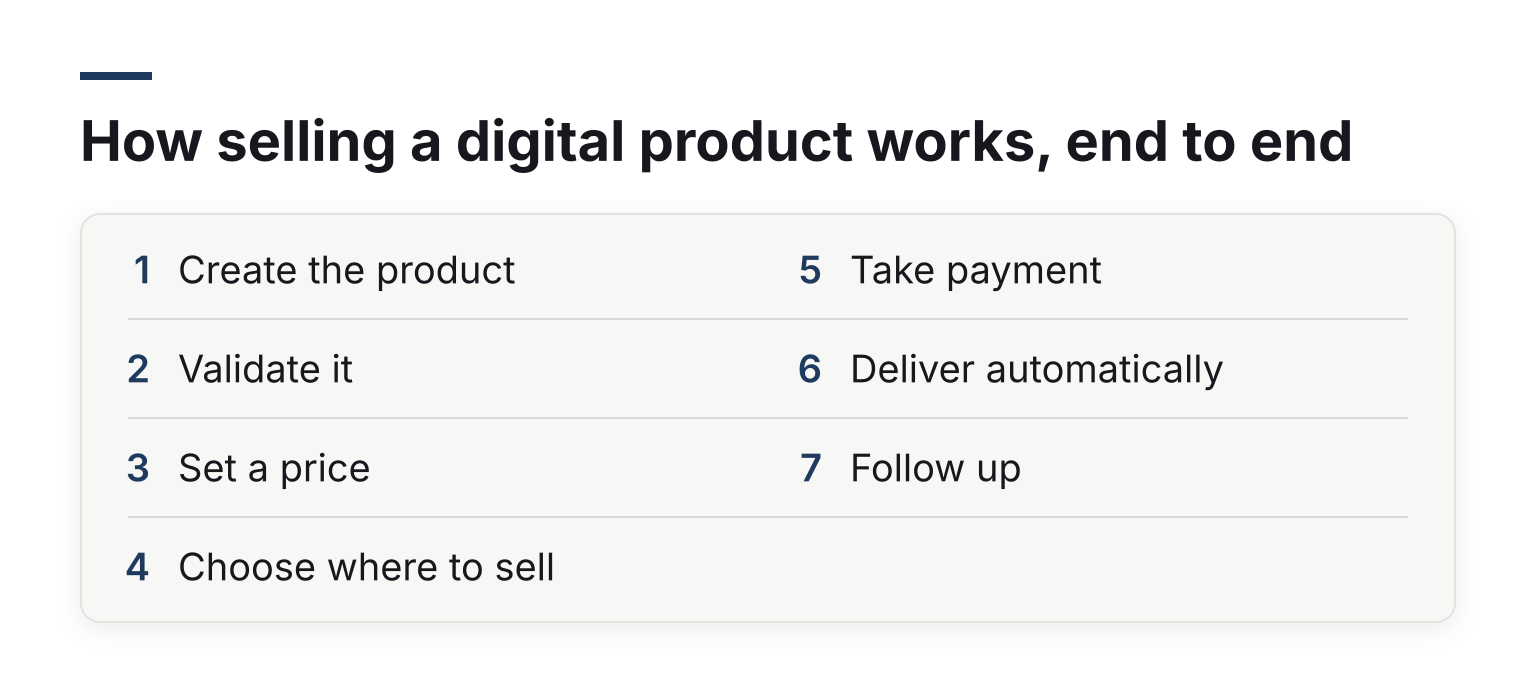
- Create the product. Record the course, write the ebook, or build the template.
- Validate it. Before you polish anything, check that people want it: ask your audience, presell to a small group, or look at what already sells in your niche.
- Set a price. Anchor on the outcome the buyer gets, not the hours you spent. A spreadsheet of your costs is a bad pricing basis; the transformation is a good one.
- Choose where to sell. A marketplace, a course platform, or your own checkout. Marketplaces bring an audience but take a cut and own the customer relationship. Amazon's guide to online business ideas, for instance, lists a digital product shop for ebooks, templates, and guides as one path among many. Your own checkout keeps the margin and the buyer's email.
- Take payment. This is your checkout: the page where a buyer enters card details and completes the purchase.
- Deliver automatically. The buyer receives a download link, an email with files, or a login, with no manual work from you.
- Follow up. Order bumps, one-click upsells, and email sequences turn one sale into more revenue.
A concrete example: a designer makes a $29 Notion template pack, presells it to her email list, then sells it through her own branded checkout page. At checkout, she adds a $19 order bump for a matching icon set. After payment, the buyer gets an email with download links automatically. She never touches anything by hand.
Checkout specifics for digital goods
Because digital products are often impulse buys with a single decision-maker, small checkout details change results:
- A branded checkout page. A page that matches your site keeps trust high and lowers drop-off. A bare payment form often does the opposite.
- Order bumps. A small, related offer, ticked on by the buyer at checkout, lifts the average order value.
- One-click upsells. A second offer shown right after payment, purchasable without re-entering card details.
- Payment plans. Splitting a $600 course into three payments makes it reachable for more buyers.
- Subscriptions. Recurring billing turns a product business into a revenue base you can predict.
- Tax handling. Digital goods often need VAT or sales tax added by country, so your checkout should handle that for you. Stripe's tax guide for digital products shows why this is not one-size-fits-all: tax treatment varies by delivery method, access type, and whether the buyer is a consumer or a business.
If you reach this stage and want a tool built for exactly this, Swipefast's checkout page for digital products covers branded checkouts, order bumps, one-click upsells, payment plans, and subscriptions in one place.
Delivering the product after payment
Delivery should be automatic, and there are three common patterns:
- Download links. An email or thank-you page with secure links to your files.
- Course access. A login to a course platform, sent right after purchase.
- Access links. For bundles or premium content, a single link that unlocks everything the buyer purchased.
Whatever the pattern, test it with a real (or test-mode) purchase before you launch. How to deliver your product after a sale walks through the options, and a checkout page checklist for digital products helps you catch the details that cost sales when missed.
Common beginner questions
What is the easiest digital product to start with? A template, printable, or short guide. You can build one quickly, price it low, and learn the full selling process on something small.
Do I need an audience first? It helps a lot, but it is not required. Marketplaces and paid traffic work too; they just cost more per sale.
Do I need to charge tax on digital products? In many countries, yes. VAT and sales tax rules for digital goods vary by country, so check your local rules or use a checkout with built-in tax handling. If you sell to European buyers, charging EU VAT with Stripe Tax and how VAT and reverse charge work walk through a worked setup.
Can I sell a digital product and a service together? Yes, and many sellers do. A course plus a coaching call, or a template plus a setup service, gives buyers a ladder of price points.
Your next step
If you have a product idea and want the selling mechanics handled, you can start a 7-day free trial of Swipefast and publish your first branded checkout this week. When you are ready to build it, how to create your first product and checkout takes you step by step.