Create a digital product with AI in one week |
A day-by-day guide to creating a digital product with AI: pick a format you can finish, draft and package it, price it, build the checkout and make your first...
 Jacob PegsFounder of Swipefast
Summary of the Article
You can take a small digital product from idea to live checkout in about a week if you pick something you can finish fast and let AI handle the drafting and packaging. Your own expertise, examples and voice are the parts AI can't supply. Here's the path in one line: pick a product type you can finish in days, gather what you already know, use AI to outline and draft, package it, price it, build the checkout, test the buying path, then tell people it exists.
- Pick a small format: a short guide, template, workbook or mini-course.
- Use AI for structure and first drafts, then edit so it sounds like you.
- Don't stop at "finished": set up the checkout, delivery and a test purchase before you announce anything.
- A week is a realistic pace for a first small product, not a guarantee, and the selling setup matters as much as the product itself.
If you haven't decided what to make yet, start with our guide to the best digital products to sell. And if the concept itself is fuzzy, here's what a digital product actually is. This article picks up where those leave off: you've decided to sell something, and now you need to make it and put it in front of buyers.
Day 1: Choose a Product You Can Actually Finish
The biggest reason digital product creation drags on for months is picking too big a format for a first attempt. Choose from formats you can complete in one to three focused days:
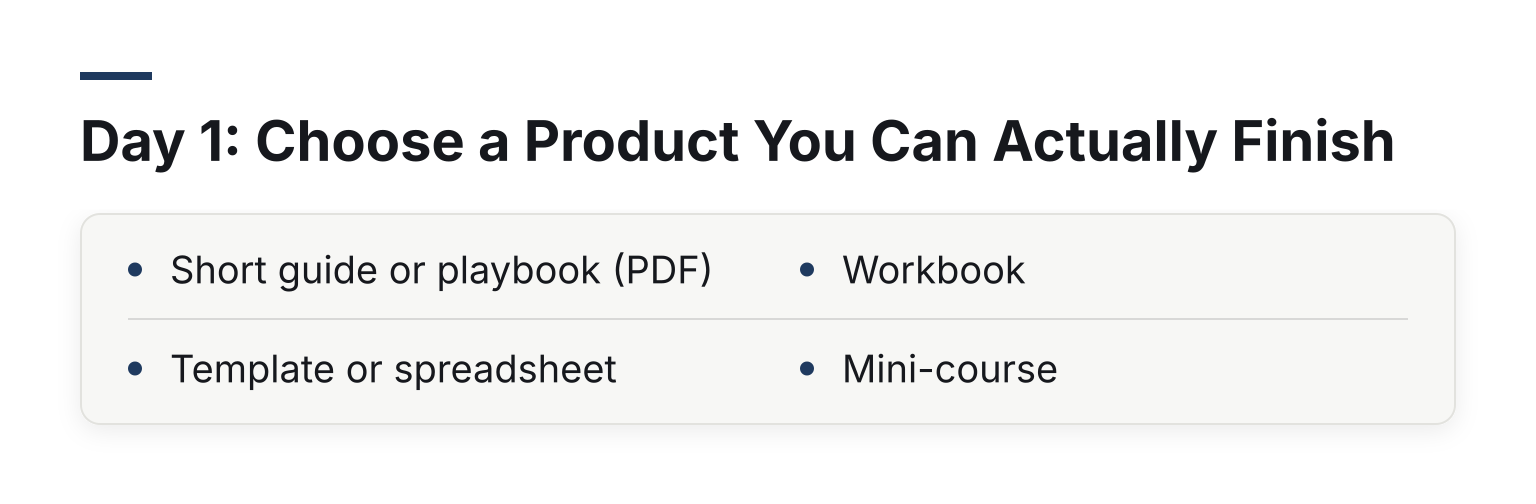
- Short guide or playbook (PDF): 10 to 30 pages on one specific problem you've solved before.
- Template or spreadsheet: a Notion board, budget sheet, outreach tracker or client portal you already use yourself.
- Workbook: a set of prompts and exercises that walks someone through a process step by step.
- Mini-course: 3 to 5 short videos on one narrow outcome, recorded with whatever you have.
Pick the one closest to something you already do for clients or yourself. A template you use at work this week is a better product than a course topic you find interesting.
Validate it in 30 minutes, not 30 days. You don't need surveys. Check what people already ask you repeatedly: DMs, client emails, comments on your posts, questions in communities you're part of. If the same problem has come up three or more times from different people, you have a validated starting point. If nothing comes up, that's a signal to pick a different angle, not to build anyway and hope. For a fuller method on asking questions that get honest answers instead of polite ones, Rob Fitzpatrick's The Mom Test is the standard reference.
Write one sentence before you make anything: "This helps [who] get [specific result] without [the thing they hate doing]." Every later decision, from chapter order to price, hangs off that sentence.
Day 2: Gather Your Raw Material Before You Touch AI
AI is a fast drafter and a terrible source of your expertise. Before opening any chat window, collect what you already know:
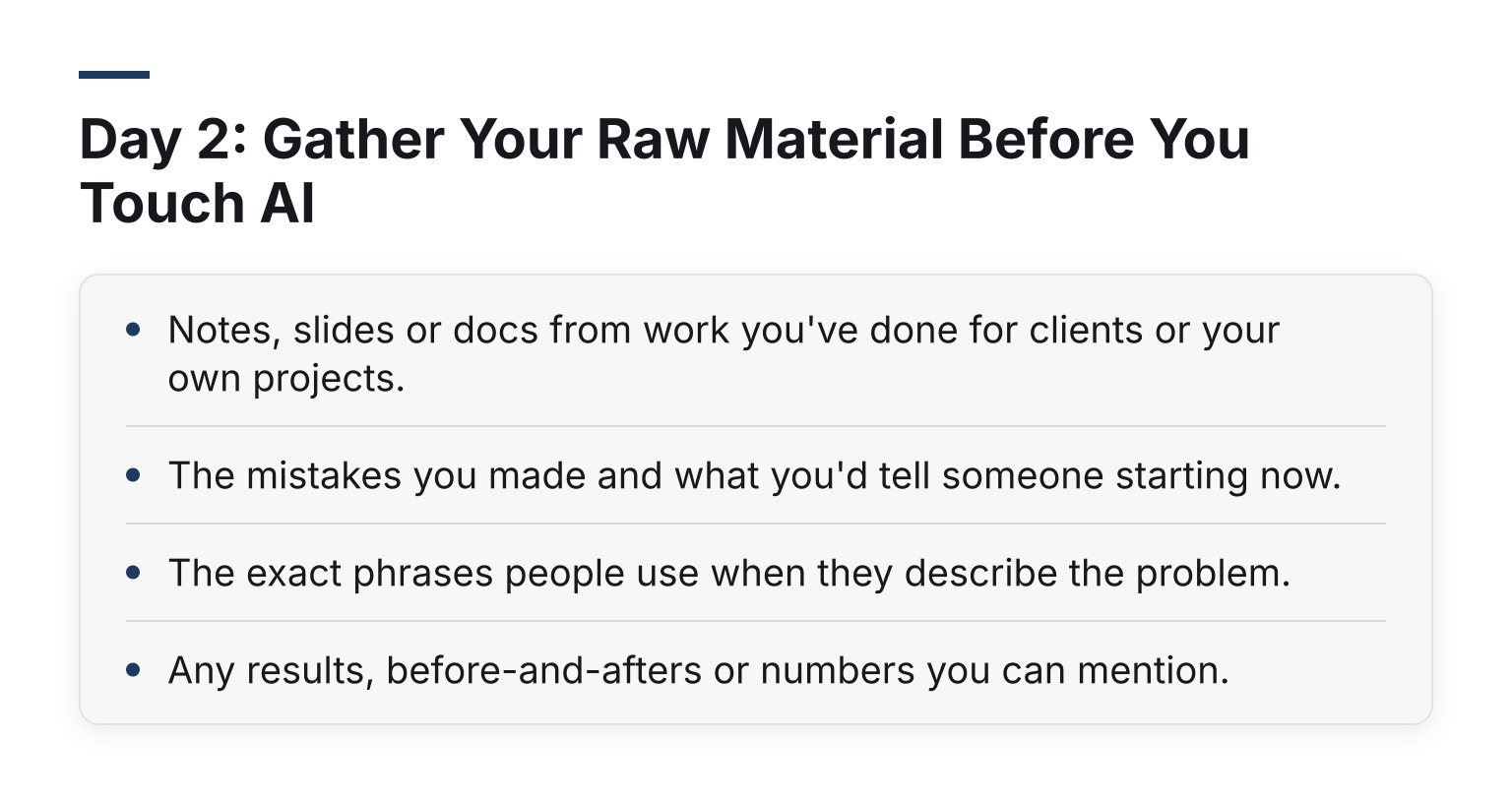
- Notes, slides or docs from work you've done for clients or your own projects.
- The mistakes you made and what you'd tell someone starting now.
- The exact phrases people use when they describe the problem.
- Any results, before-and-afters or numbers you can mention.
Spend an hour dumping this into a document, unstructured. This is the substance of your product. AI can organize it; it cannot invent the fact that you ran the process 40 times and learned which step everyone skips.
Day 3: Use AI to Outline and Draft, Then Edit Hard
Now bring in AI for the parts it's genuinely good at: structure, first drafts and packaging text.
Outline prompt: "I'm creating a [format] that helps [audience] get [result]. Here are my raw notes: [paste]. Structure this into sections where each one moves the reader toward the result. Flag any section where I'd need an example from my own experience, and leave placeholders for those."
Draft prompt: "Draft [section] based on my notes. Keep it under [length]. Write like an experienced practitioner talking to one person, not like a textbook. Don't add advice I didn't give you."
Exercise and workbook prompt: "Turn section 3 into two exercises a reader can complete in 15 minutes, with a worked example for each."
Then edit. Research on AI-assisted writing keeps finding the same thing: raw model output reads as generic, and human editing is what makes it worth using. A study of professional writers editing LLM text found edited AI drafts were strongly preferred over unedited ones, and that the writers' fixes centered on cutting clichés, removing impersonal filler and adding the author's own perspective (Can AI writing be salvaged?, arXiv 2024).
Your editing pass, in order:
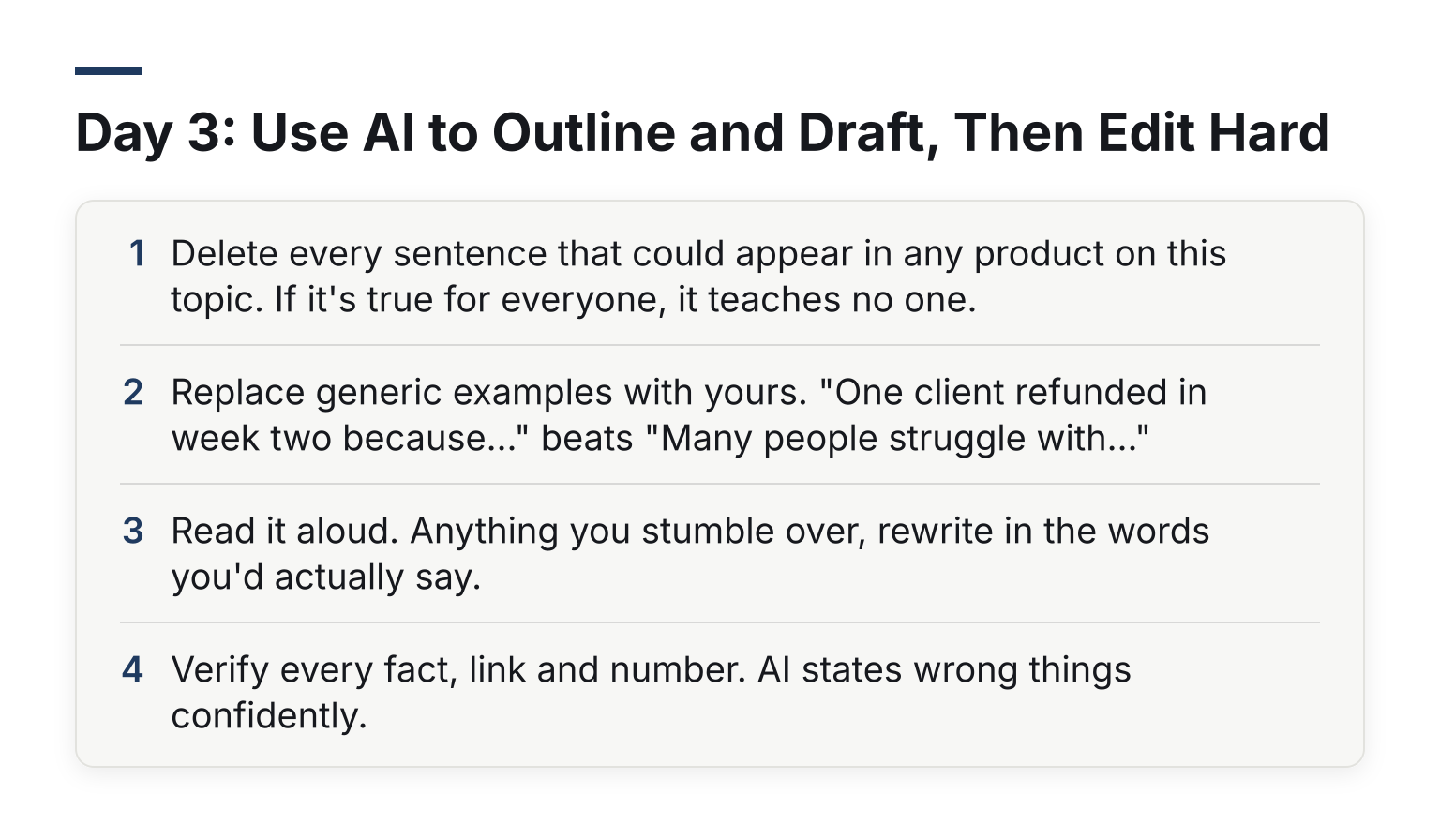
- Delete every sentence that could appear in any product on this topic. If it's true for everyone, it teaches no one.
- Replace generic examples with yours. "One client refunded in week two because..." beats "Many people struggle with..."
- Read it aloud. Anything you stumble over, rewrite in the words you'd actually say.
- Verify every fact, link and number. AI states wrong things confidently.
If the draft sounds like a stranger wrote it, buyers will treat it that way too.
Day 4: Package It So It Looks Finished
A good product that looks unfinished sells like an unfinished product. Give it half a day:
- Format: export the guide or workbook as a PDF. Share templates as a duplicate link. Keep video files simple and playable.
- Title: name the result, not the format. "The Client Onboarding Kit" beats "Onboarding Template v2."
- Cover: one clean page with the title, your name and a promise. Canva or any design tool handles this in 20 minutes.
- Sales page promise: the first two lines must state who it's for and what changes after they buy. Everything else supports that.
Decide here how buyers will receive it: a download link, a duplicated template, a course page. If you want a deeper look at the options, we cover access links, course delivery and receipts in how to deliver your product after a sale.
Day 5: Price It and Decide How People Pay
Two decisions, one hour.
Price. For a first small product, a simple range works: templates and prompt packs usually land around $15 to $39, short guides and workbooks around $19 to $49, and mini-courses higher if the outcome is clearly worth money. Anchor against comparable products in your niche rather than against your effort. Pricing guides aimed at creators draw the same line: value-based pricing sets the number by what the outcome is worth to the buyer, and checking what similar products charge keeps your figure grounded (How to Price Digital Products, Podia). If your product saves a buyer hours of work or helps them win a client, price at a fraction of that value, not at what feels polite.
Payment structure. A one-time price is right for most first products under about $100. Consider a payment plan only when the price genuinely stings, typically $300 and up; splitting a $39 product into payments costs you more in failed charges than it gains in buyers.
Day 6: Build the Checkout and Make It Sellable
This is the step most creators rush, and it's the difference between a product you made and a product you can sell. You need four things on the checkout: the product name, the price, the delivery method and a clear promise repeated from your sales page.
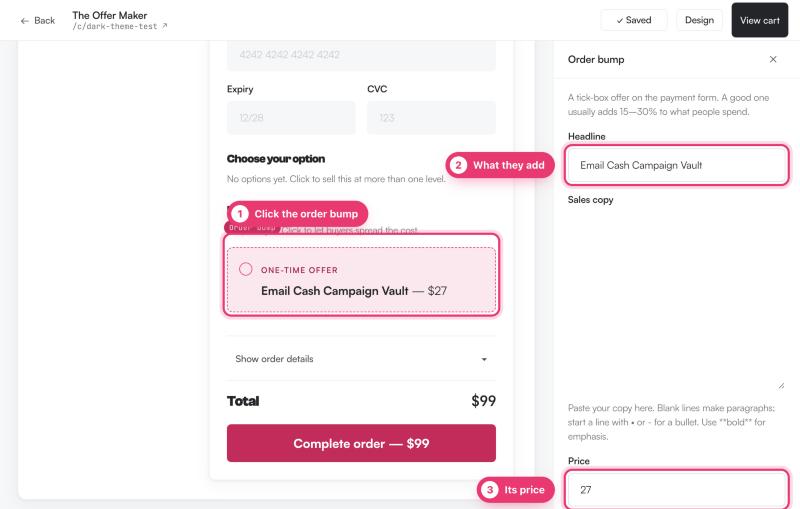
Consider a second offer while you're in there. An order bump (a small add-on checked at checkout) and a one-click upsell (an optional second purchase right after paying) both raise average order value without extra traffic. The natural second offer for a first product is usually a done-with-you option: a template review, a 30-minute call, or a companion pack. We compared how the two offers differ in order bump vs one-click upsell.
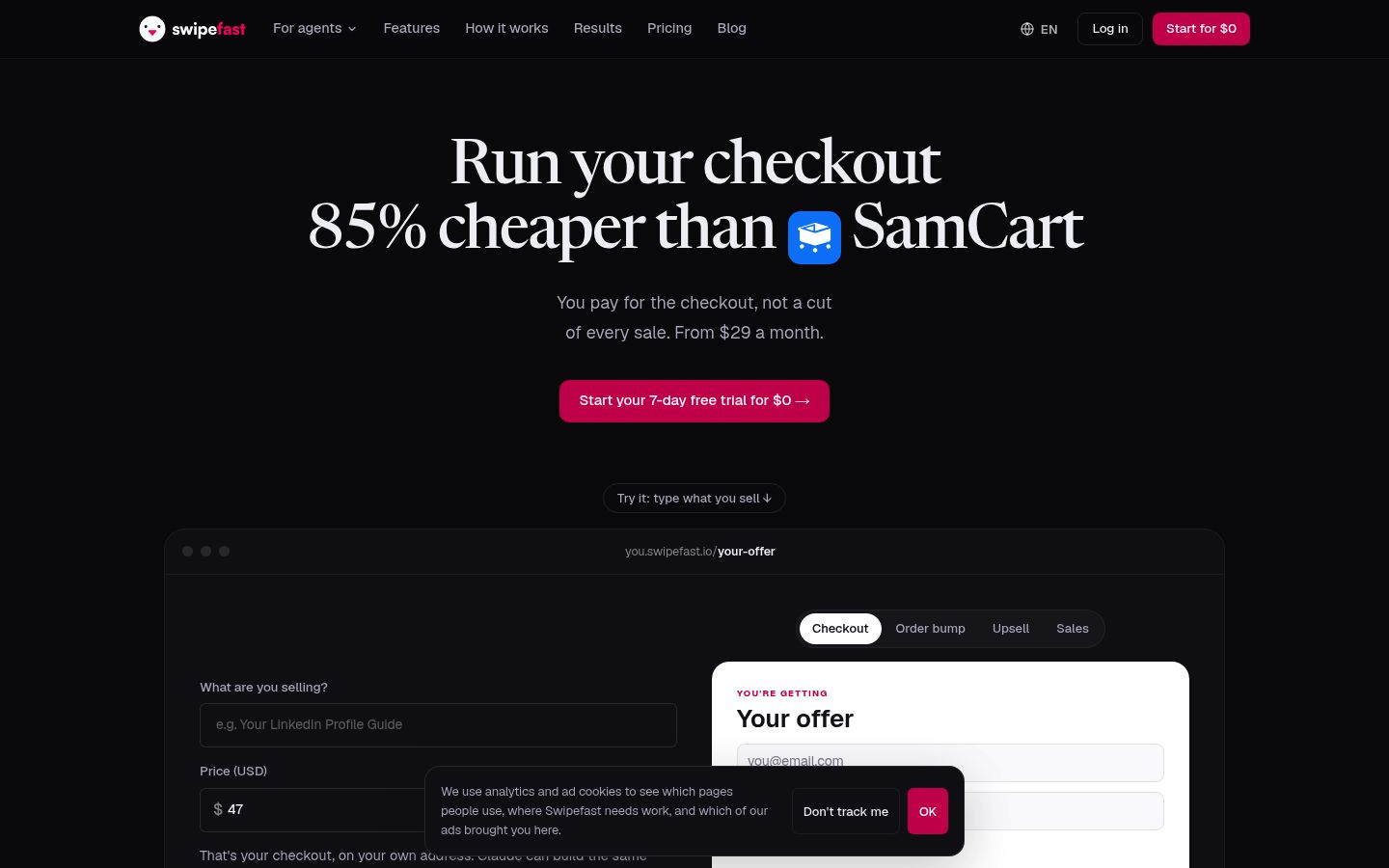
This is also where AI earns its keep on the selling side. With Swipefast, you can create and publish a branded checkout with Claude or ChatGPT: describe the product, price and delivery, and the AI builds the checkout for you. Starter costs $29 a month, there's a 7-day free trial, and payments go to your own Stripe or PayPal account. For the hands-on walkthrough, see how to create your first product and checkout, and use our checkout page checklist for digital products to catch what the first pass missed.
Whichever tool you use, the payment connection is the part to verify first, since identity and payout verification can take a day or two. Don't leave it to launch morning. Stripe's own docs note that a first payout typically completes within 7 to 14 days after your first live payment, so it pays to connect and verify early in the week (Receive payouts from Stripe).
Day 7: Test the Whole Buying Path, Then Announce It
Test before you tell anyone. Buy your own product, or use test mode, and check every step:
- The checkout loads correctly on a phone, not just your laptop.
- The payment goes through and the receipt looks right.
- The delivery link arrives by email and actually opens.
- The order bump or upsell appears where you expect and charges correctly.
- A refund works, so you know how to handle the first one.
If your checkout runs on Stripe, its testing documentation shows how to simulate successful payments, declines and refunds without moving real money (Test card numbers, Stripe). We keep a full pre-launch list in how to test your checkout before you launch.
Announce it the same day. You don't need a launch campaign. You need the link in front of people who already trust you:
- Put the checkout link in your bio and pin a post about it.
- Email your list, however small, with the problem it solves and one concrete example from inside.
- Post where your audience already is, with something useful from the product, not just "I made a thing."
A first product selling three copies in week one is a signal to keep going and improve, not a verdict.
Common Pitfalls That Kill First Products
- AI-generic content. If you skip the editing pass, your product reads like every other one, and buyers can tell. Your examples and opinions are the product.
- Over-production. A 40-module course nobody finishes loses to a 15-page guide people actually use. Ship the small version.
- No delivery plan. Finishing the PDF on Friday with no checkout, no delivery link and no way to take payment means you haven't launched. Build the selling side alongside the product.
- Launching with no follow-up. One announcement post and silence does nothing. Plan two or three follow-up touches over the next week: an answer to the most common question, a buyer result, a reminder before any launch price ends.
FAQ
Can AI create a digital product for me?
It can draft, structure and package one, but the substance has to come from you. AI doesn't know your clients, your mistakes or your results, and content without those reads as generic. Use AI for the first 60 percent and your expertise for the part that justifies the price.
How long does it take to make a digital product?
A small, focused product (template, short guide, workbook, mini-course) can realistically go from idea to sellable in about a week of part-time work. Bigger courses and cohorts take weeks to months. The variable that matters most is scope, not speed.
Do I need an audience to sell a digital product?
You need people who trust you, not a large audience. Twenty to thirty relevant people told directly often beats a cold post to thousands. Communities you already participate in, past clients and your email list are the starting points.
What should I do the week after I launch?
Fix the weakest step you can see in the numbers: visits with no purchases usually means the checkout or promise, purchases with no delivery complaints means look at follow-up emails. Then start collecting testimonials from every buyer, because those become the sales page's strongest asset.
Your Next Step
If your product draft is done or nearly done, spend today on the selling side: set up a branded checkout, add one natural second offer, and run a test purchase before you tell anyone. Swipefast handles the checkout, delivery and AI-assisted setup, and the 7-day free trial lets you get a product live and sellable this week with nothing due today.
Questions people ask before choosing
Can I add more than one order bump?
Yes. Every plan has unlimited order bumps, and each checkout can show several.
Does the bump charge the card again?
No. The bump is added to the same payment, so the buyer pays once.