Cheaper alternatives to Kajabi in 2026 | Swipefast
Kajabi Basic costs $179 a month. See cheaper alternatives grouped by what you need, sell-only checkout, course hosts, or all-in-one, with the real fees on each plan.
 Jacob PegsFounder of Swipefast
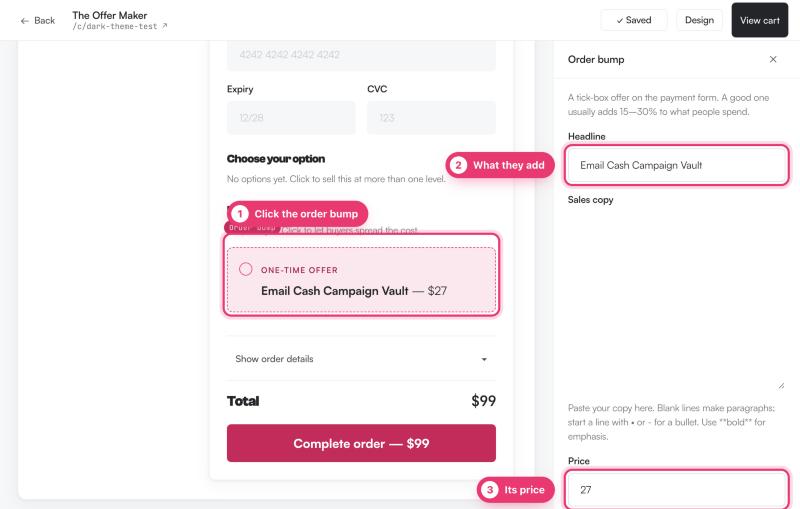
Summary of the Article
Kajabi's cheapest plan, Basic, costs $179 a month (or $143 a month billed annually). If what you really use Kajabi for is selling your product and delivering it, you can cover those jobs for $0 to $49 a month. If you also need course hosting, email, and a website, cheaper options exist, but most trade convenience for fees or plan limits.
The short list, grouped by what you need:
- Swipefast: checkout and delivery from $29 a month, 0% of your sales, order bumps and one-click upsells included. Sell-only; no website builder.
- Podia: course host from $42 a month (billed yearly), but the entry plan takes 5% of every sale.
- Thinkific: course host from $109 a month monthly, or $82 a month billed yearly.
- Teachable: from $39 a month ($29 billed yearly), but the Starter plan takes 7.5% of every sale.
- Systeme.io: a genuinely free all-in-one (2,000 contacts, 1 course), with the Startup plan at $17 a month.
- Stan Store: storefront from $29 a month with 0% platform fees; bumps, upsells and payment plans need the $99 Creator Pro plan.
- Payhip: free forever with a 5% fee per sale; paid plans from $29 a month drop it to 2%. No one-click upsells.
If you need a website, community, and email tied to your courses, Kajabi is still doing real work for you. If your courses live elsewhere and you mainly need a checkout that converts, you are overpaying.
What you actually pay for with Kajabi
Kajabi publishes its prices on its own pricing page: Basic is $179 a month, or $143 a month billed annually at $1,716 a year. That plan includes 2,500 contacts, five products, a website, a community, unlimited emails, landing pages, funnels, and built-in checkout. There is also a Kickstarter plan at $89 a month, which its help center pricing table documents.
One detail the sticker price hides: Kajabi takes no revenue share, but its help center lists an extra 2% transaction fee on the Basic plan when you use the native Stripe integration in regions where Kajabi Payments is available. That is on top of Stripe's own processing fees.
So before you go looking for a cheaper alternative, ask what you are actually using. Most coaches who search for this are paying $179 a month for three jobs:
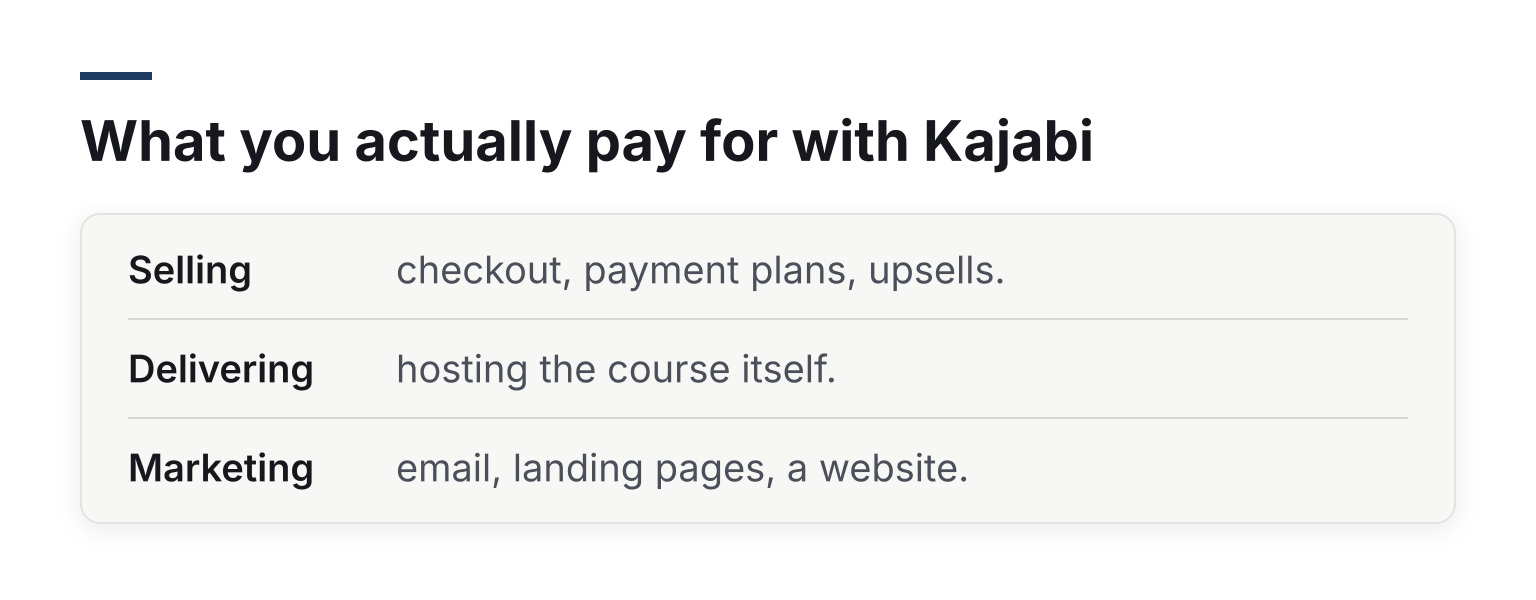
- Selling: checkout, payment plans, upsells.
- Delivering: hosting the course itself.
- Marketing: email, landing pages, a website.
Many sellers only do job 1 through Kajabi and host their course somewhere else already. If that is you, most of that $179 is going to tools you never open.
If you want to see your own real number, the free Kajabi fee calculator works out what Kajabi actually costs you per month at your sales volume.
Cheaper is not just sticker price
A $29 subscription with a 10% fee can cost more than a $179 subscription with none. At $5,000 a month in sales:
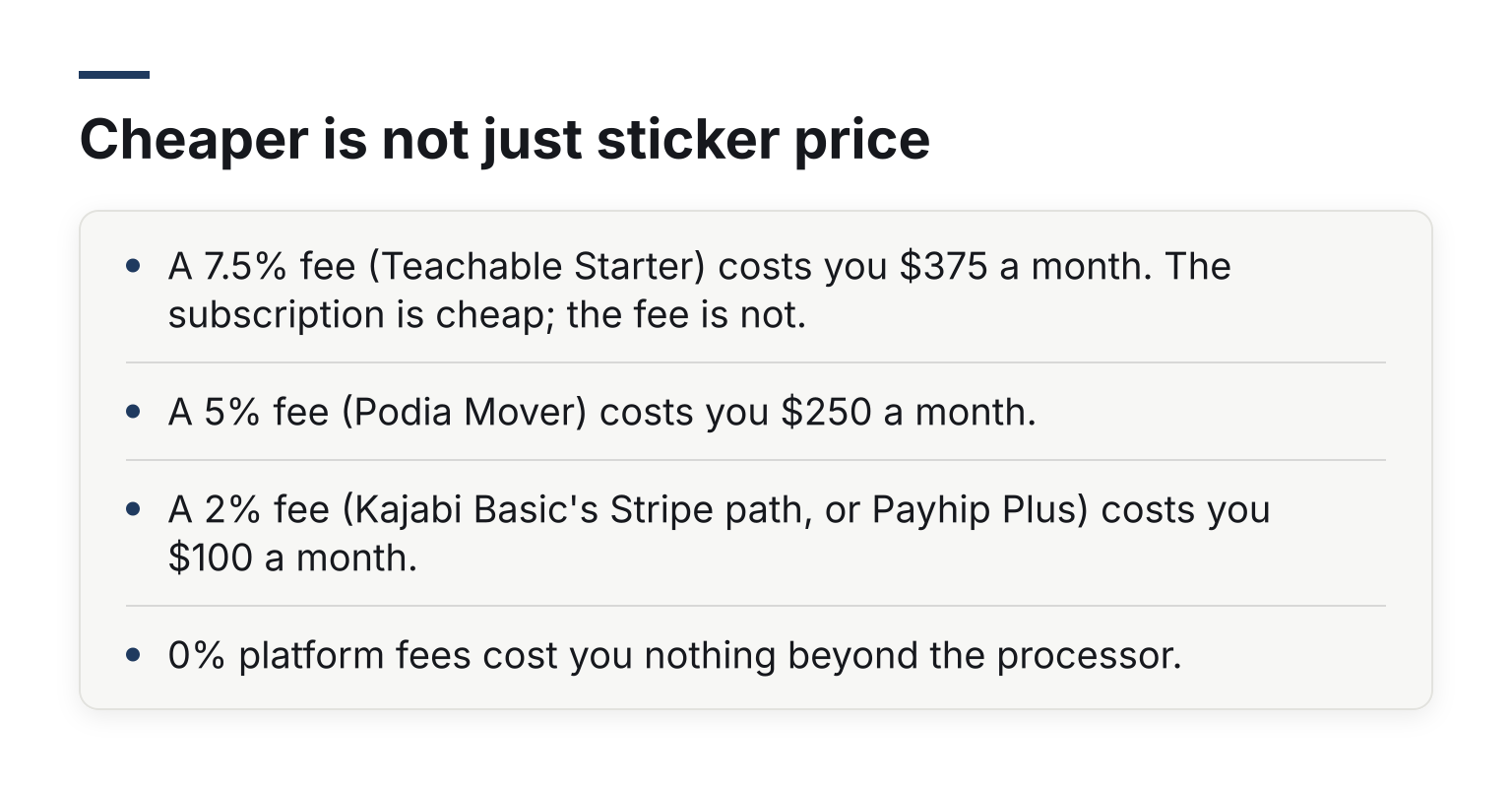
- A 7.5% fee (Teachable Starter) costs you $375 a month. The subscription is cheap; the fee is not.
- A 5% fee (Podia Mover) costs you $250 a month.
- A 2% fee (Kajabi Basic's Stripe path, or Payhip Plus) costs you $100 a month.
- 0% platform fees cost you nothing beyond the processor.
Also check what the cheap plan leaves out. Some entry plans cap products, contacts, or students, or hold the good checkout features (order bumps, one-click upsells, payment plans) behind a higher tier. The genuinely cheapest option is the cheapest plan that still covers what you use Kajabi for today.
Swipefast: sell and deliver without the platform
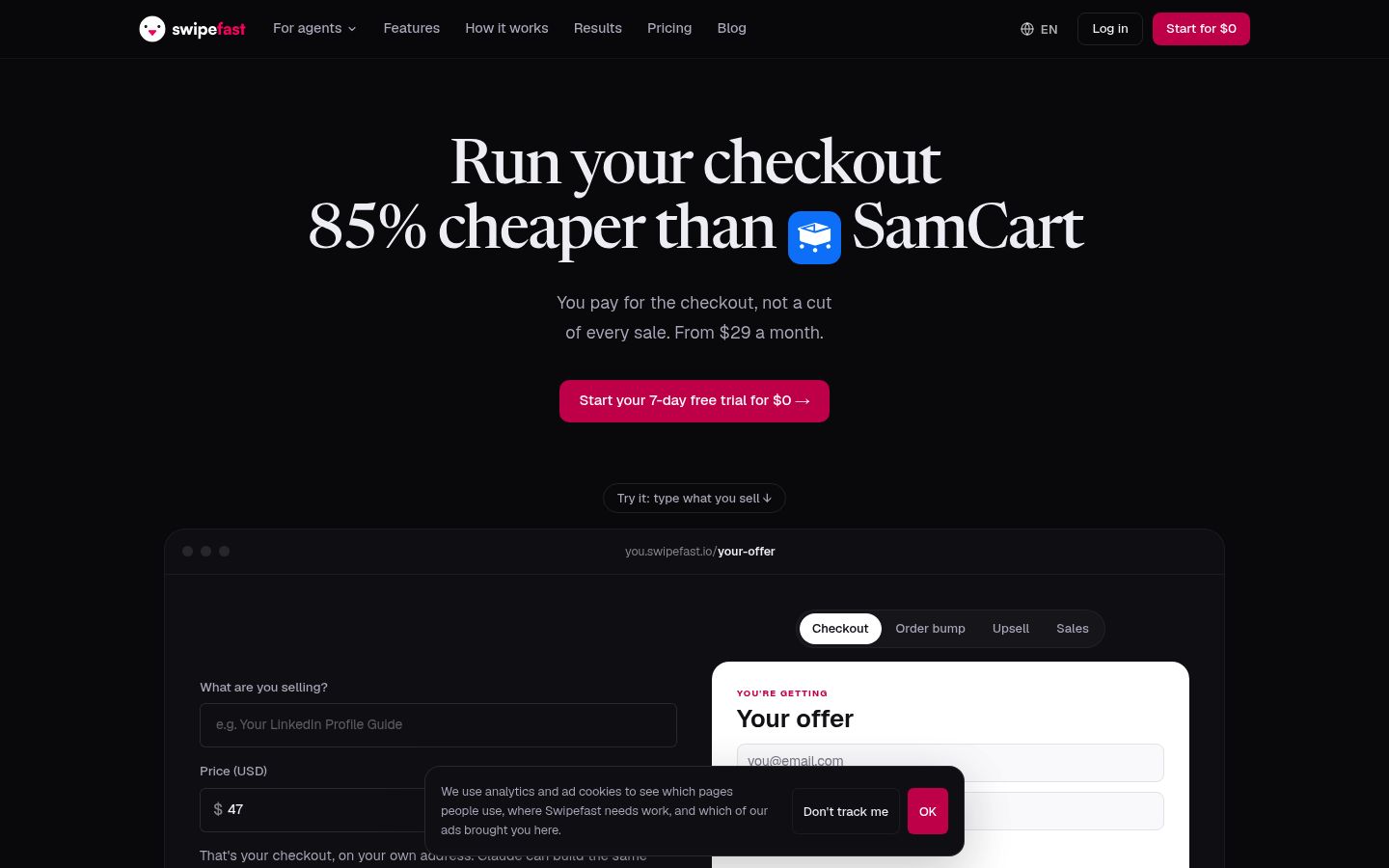
Swipefast is checkout software for coaches and digital product sellers, and it is the closest fit if your Kajabi use is mostly selling. The Starter plan costs $29 a month or $290 a year, with a 7-day free trial, and takes 0% of your sales. Payments go straight to your own Stripe or PayPal account.
On Starter you get order bumps, one-click upsells, downsells, payment plans, subscriptions, reports, the email tool, a link-in-bio page, and a course Hub for delivering your products after the sale. You can also build or edit your checkouts with Claude or ChatGPT, which is what most people set it up with in the first place.
What it does not do: host a full website or replace Kajabi's email marketing and community. It is a checkout, a delivery hub, and the tools around the sale. If your course already lives on Teachable, Thinkific, or a plain members area, Swipefast is the piece that sells it. Our Kajabi alternative page compares this sell-only path with staying on Kajabi in detail.
Podia: a lighter course host
Podia hosts your courses, emails, and sells in one place, at a fraction of Kajabi's price. Its pricing page lists Mover at $42 a month billed annually with a 5% transaction fee, and Shaker at $84 a month with no fee. So the entry plan is cheap but not fee-free; at $5,000 a month, that 5% costs $250, which makes Shaker the honest comparison at around $134 total.
Pick Podia if you want Kajabi's bundle (courses, email, checkout) in a simpler, cheaper package and do not mind paying either a higher subscription or a per-sale fee.
Thinkific: course-first, pricier entry
Thinkific is a course host first. Its pricing page lists Start at $109 a month monthly, or $82 a month billed yearly, with Grow at $219. That is cheaper than Kajabi Basic but not dramatically so, and it is a platform for building and selling courses, not a checkout specialist.
Thinkific fits if courses are the center of your business and you want to move them somewhere dedicated. If you also need stronger selling mechanics, you may pair it with a checkout tool anyway.
Teachable: cheapest course host, biggest fee
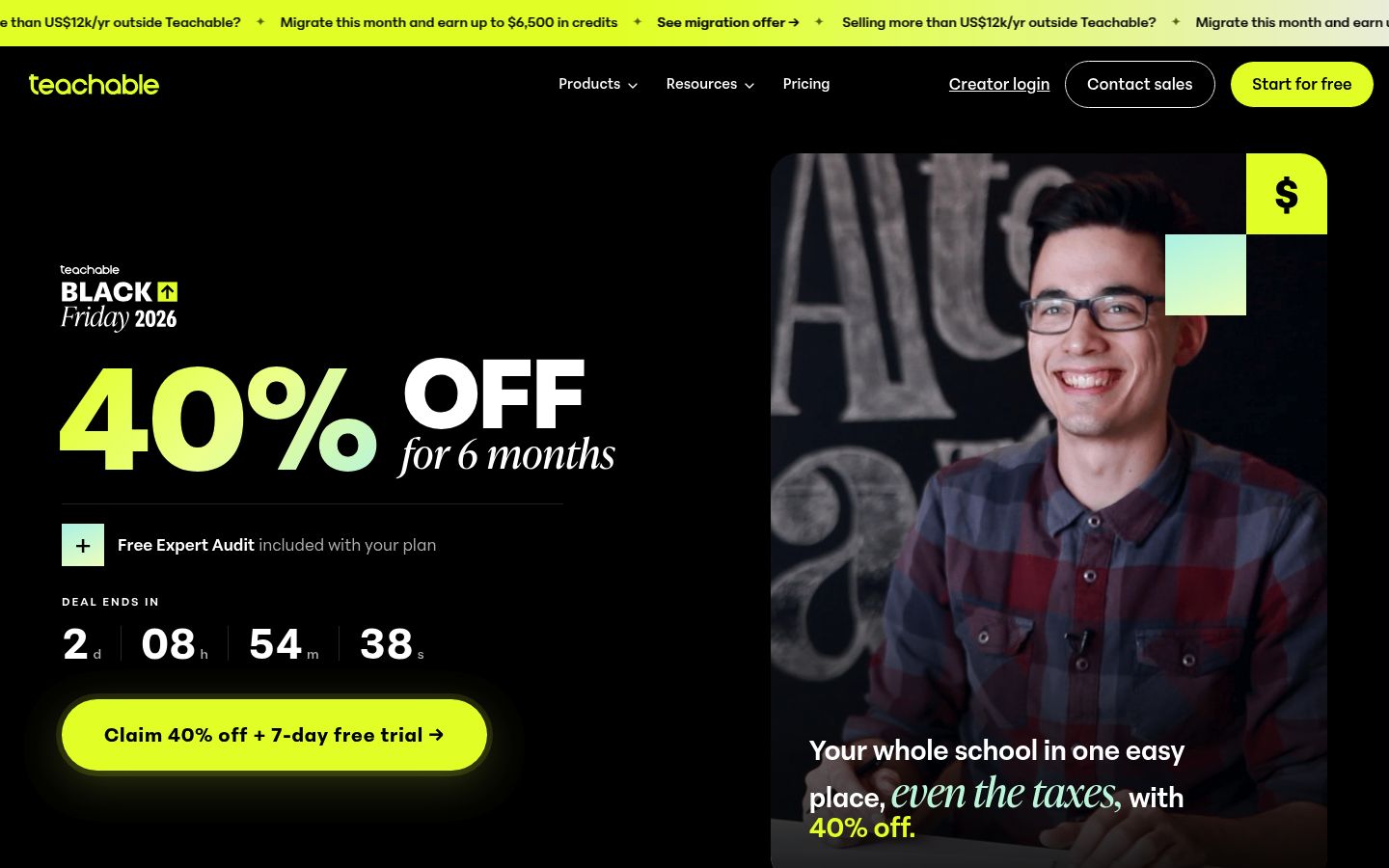
Teachable's pricing page lists Starter at $39 a month ($29 a month billed yearly), with a 7.5% transaction fee on that plan. Its fees page confirms 0% transaction fees start on the Builder plan at $89 a month.
That 7.5% is the catch. On $5,000 of sales it is $375 a month, more than the plan itself. Teachable Starter works if your volume is low and you mainly want a place to host courses, but do the math before committing. If you are comparing course platforms on fees and tax handling, our Gumroad alternatives post covers the fee-heavy marketplace end of the market too.
Systeme.io: the free all-in-one
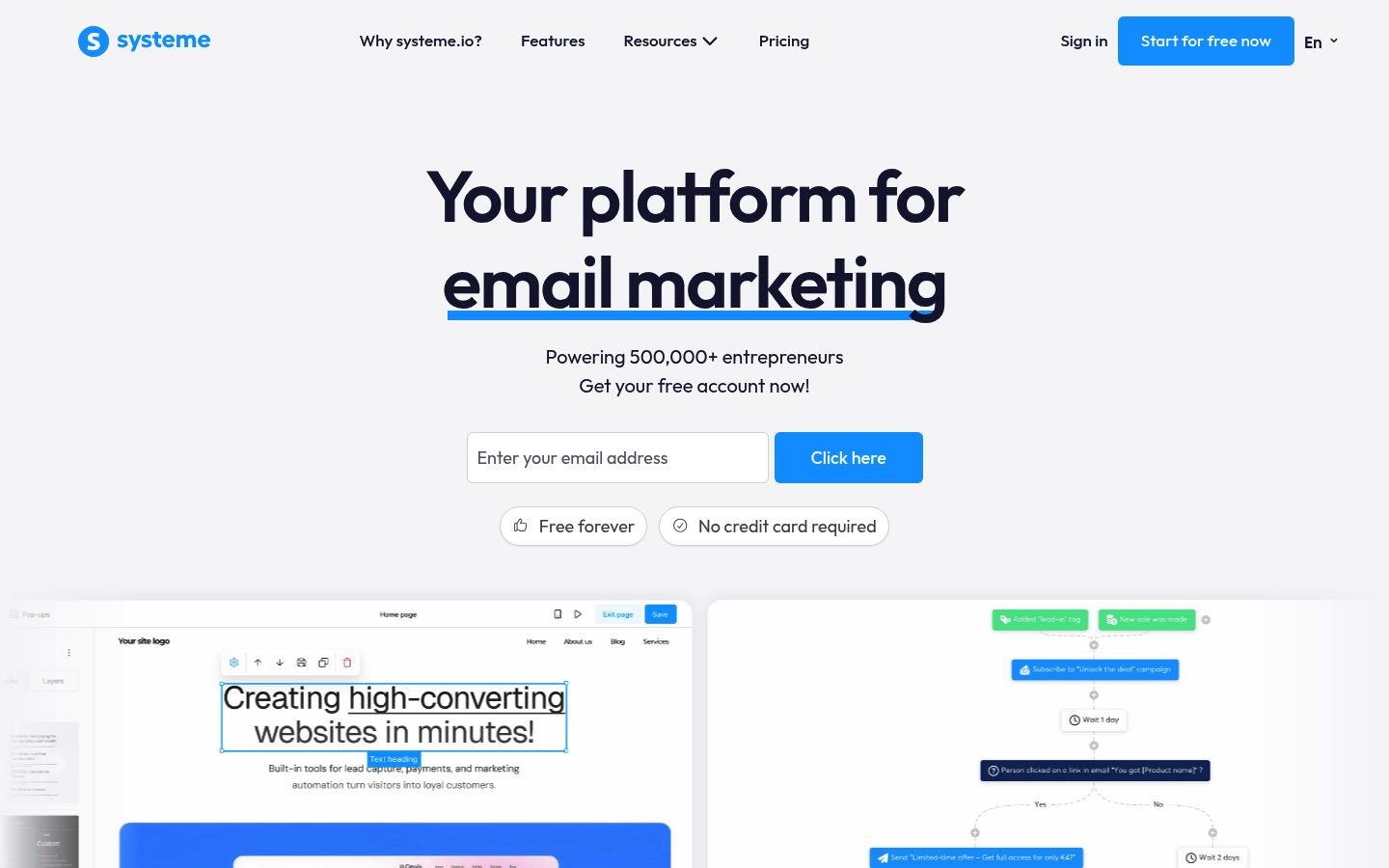
Systeme.io's pricing page shows a genuinely free plan (2,000 contacts, 3 funnels, 1 course, no credit card) and a Startup plan at $17 a month with 5,000 contacts and 5 courses. Every plan has 0% transaction fees, with payments through Stripe or PayPal.
It is the truest bargain in this list, and a reasonable Kajabi substitute if your list is small and you want funnels, email, and a course in one tool. The tradeoff is polish: the interface and checkout design are more basic than Kajabi's, and you trade the 0% fee rate for a tool that does everything a little more simply.
Stan Store: the link-in-bio storefront
Stan Store is a mobile storefront aimed at creators selling through social bios. It costs $29 a month on Creator or $99 a month on Creator Pro, with 0% platform fees. The catch for sellers: order bumps, one-click upsells, and payment plans live on Creator Pro, so the selling mechanics that make a checkout earn its keep sit behind the $99 plan.
We compare it directly in Stan Store vs Kajabi and list other options in Stan Store alternatives for coaches and creators. If you are outgrowing a Stan-style link in bio but still selling socially, moving to a real checkout page is the usual next step.
Payhip: a storefront with fees instead of a subscription
Payhip's pricing page offers a Free Forever plan with a 5% fee per sale, Plus at $29 a month with a 2% fee, and Pro at $99 a month with no fee. All plans include the same features.
It is the easiest way to start selling for $0, and the fee drops as you grow. The limit versus Kajabi and the checkout tools above: Payhip has no one-click upsells, so there is no post-purchase offer, which is often the highest-value click in a funnel. Worth it for very low volume; expensive per sale as you scale.
Side-by-side: cost and coverage
All prices verified on each vendor's own pricing page in November 2026. Processor fees (Stripe, PayPal) apply everywhere and are excluded below.
| Option | Cheapest relevant plan | Platform fee on that plan | Courses | Bumps and upsells | |
|---|---|---|---|---|---|
| Swipefast | Starter, $29/mo | 0% | Delivery Hub, no hosting | Built-in email tool | Included on Starter |
| Podia | Mover, $42/mo billed yearly | 5% | Yes | Yes | Not the focus |
| Thinkific | Start, $109/mo ($82 yearly) | 0% | Yes | Limited on entry plan | Not the focus |
| Teachable | Starter, $39/mo ($29 yearly) | 7.5% | Yes | No | Upsells included |
| Systeme.io | Free / $17 Startup | 0% | 1 on free, 5 on Startup | Yes | Funnels, not one-click upsells |
| Stan Store | Creator, $29/mo | 0% | No | No | Creator Pro only ($99/mo) |
| Payhip | Free Forever / $29 Plus | 5% / 2% | No | No | No one-click upsells |
Who should genuinely keep Kajabi
Cheap alternatives are only cheap if they cover your jobs. Keep paying for Kajabi if:
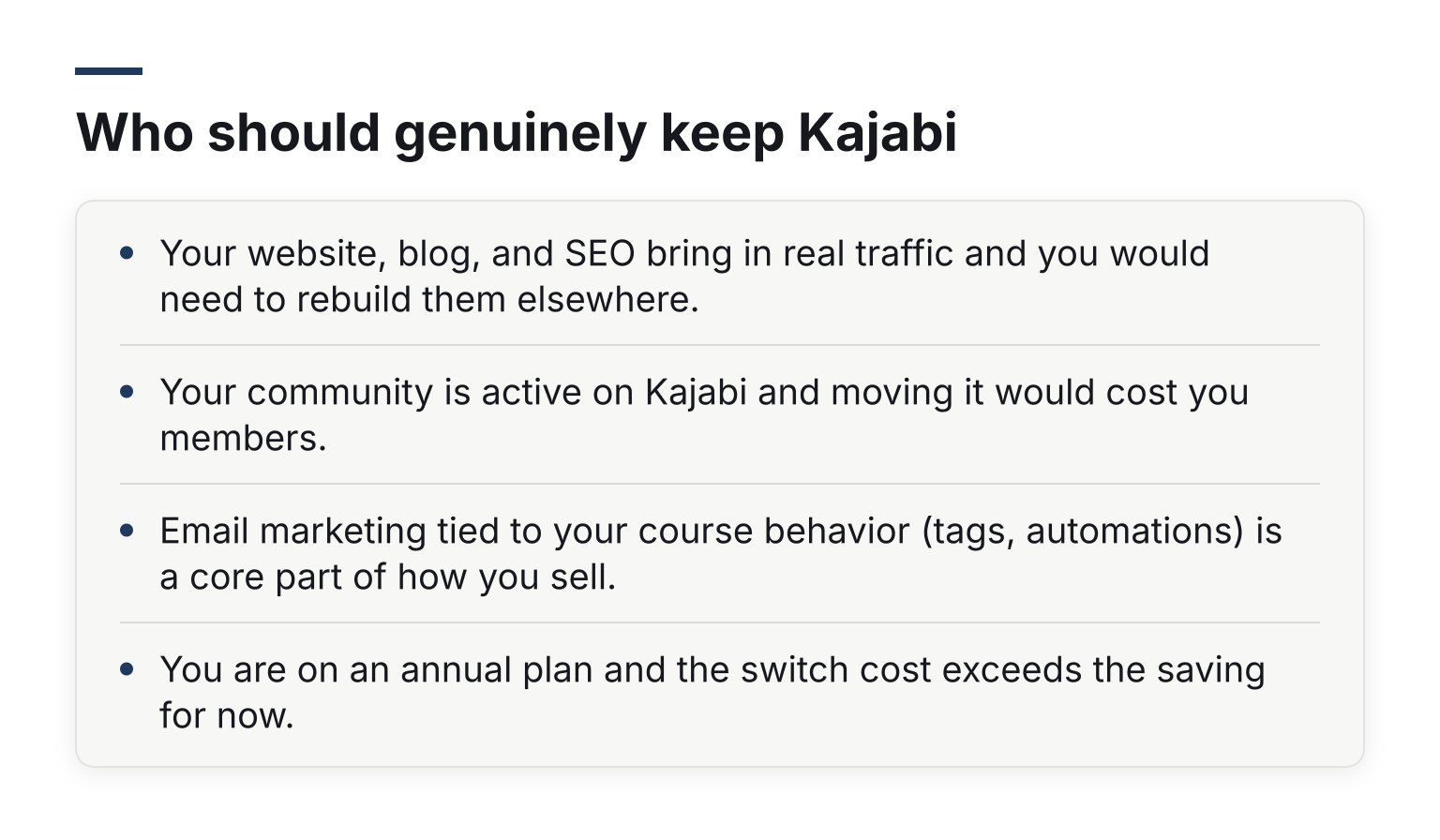
- Your website, blog, and SEO bring in real traffic and you would need to rebuild them elsewhere.
- Your community is active on Kajabi and moving it would cost you members.
- Email marketing tied to your course behavior (tags, automations) is a core part of how you sell.
- You are on an annual plan and the switch cost exceeds the saving for now.
A rough break point: if you use three or more of Kajabi's five pillars every week, $143 to $179 a month is defensible. If you log in mainly to send people to a buy button, it is not, and our SamCart alternatives post covers the checkout-tool market in the same honest spirit.
Frequently asked questions
What is the cheapest real alternative to Kajabi?
Systeme.io, which is free up to 2,000 contacts and 1 course, and $17 a month after that. But free or cheap only counts if it covers what you use Kajabi for; a sell-only seller may get more out of a $29 checkout tool than a $0 all-in-one they have to work around.
Can I replace Kajabi with just a checkout tool?
Yes, if your course is hosted elsewhere or you deliver files and links directly. A checkout tool like Swipefast handles the sale, bumps, upsells, payment plans, and delivery links, while your course stays where it is. That is the pattern most sell-heavy Kajabi users end up with.
Do cheaper platforms charge transaction fees?
Some do. Teachable Starter takes 7.5% per sale, Podia Mover 5%, and Payhip 5% on its free plan. Swipefast, Systeme.io, and Stan Store take 0% platform fees, so you pay only the card processor. Always check the fee on the specific plan, not the brand.
How much would I actually save?
At Kajabi Basic's $179 a month versus a $29 checkout tool, $150 a month, or $1,800 a year, with 0% taken from your sales on the cheaper plan. Your number depends on your plan and volume, which is what the Kajabi fee calculator above is for.
Next step
Write down which of Kajabi's jobs you use weekly: selling, course hosting, email, website, community. Then match the tier: sell-only points to Swipefast, hosting-only to Podia, Thinkific, or Teachable, everything to Systeme.io. Whichever you pick, check the fee and plan limits on the exact plan before moving anything.
If selling is the job, start a 7-day free trial of Swipefast and have your first branded checkout live today; it is $0 due today and your payments keep going to your own Stripe or PayPal.
Questions people ask before choosing
Can I add more than one order bump?
Yes. Every plan has unlimited order bumps, and each checkout can show several.
Does the bump charge the card again?
No. The bump is added to the same payment, so the buyer pays once.